First start
The first time the app opens it asks two things: whose phone this is, and (on your own phone) your name. Both can be changed later in Settings.
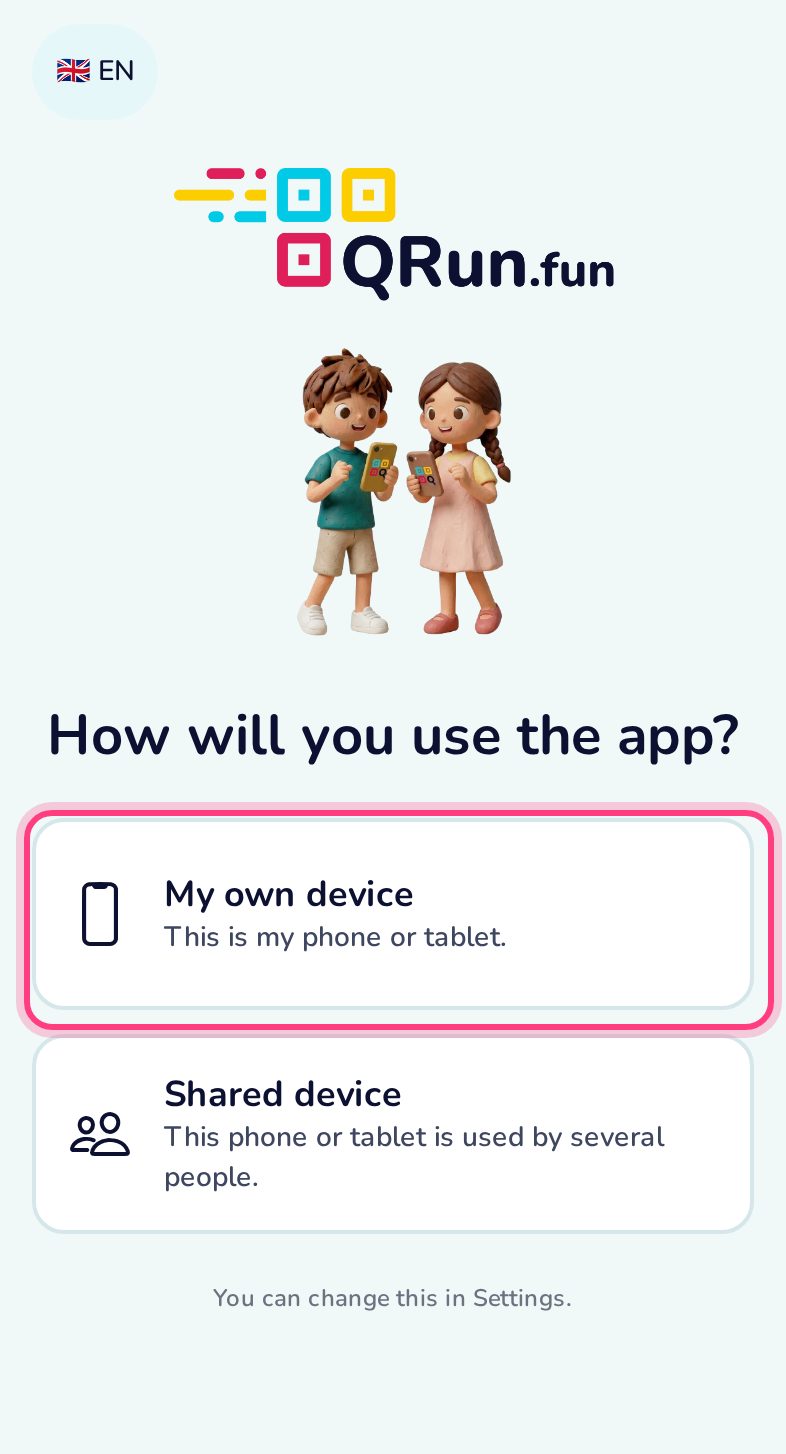
Whose device is it?
My own device — the app remembers your name. Shared device (a class tablet, a teacher’s phone) — the app asks for the player’s name before every race.
Your name
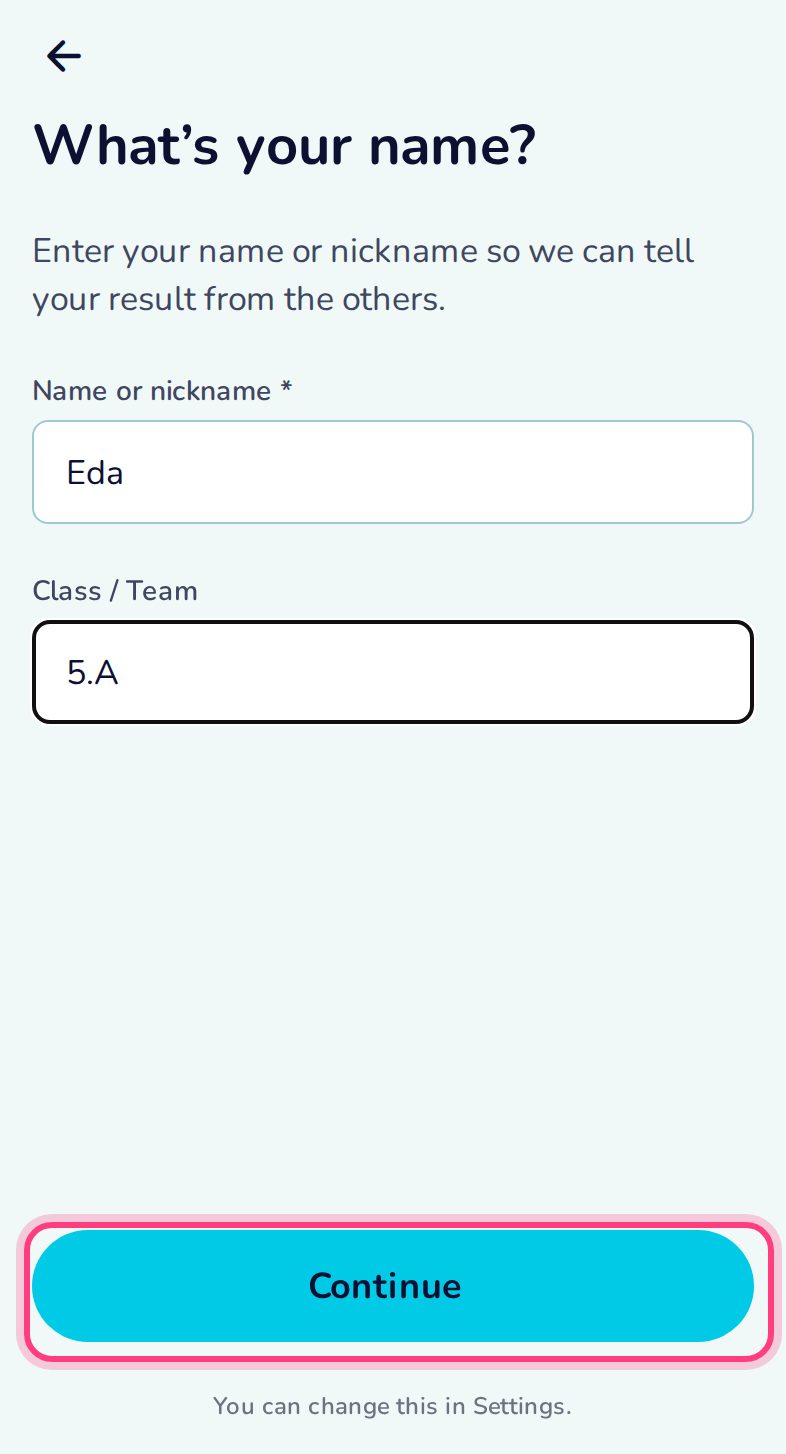
Type your nickname and, if you like, your class or team. They go into the result QR code so the organiser knows whose result it is.
Ready to play
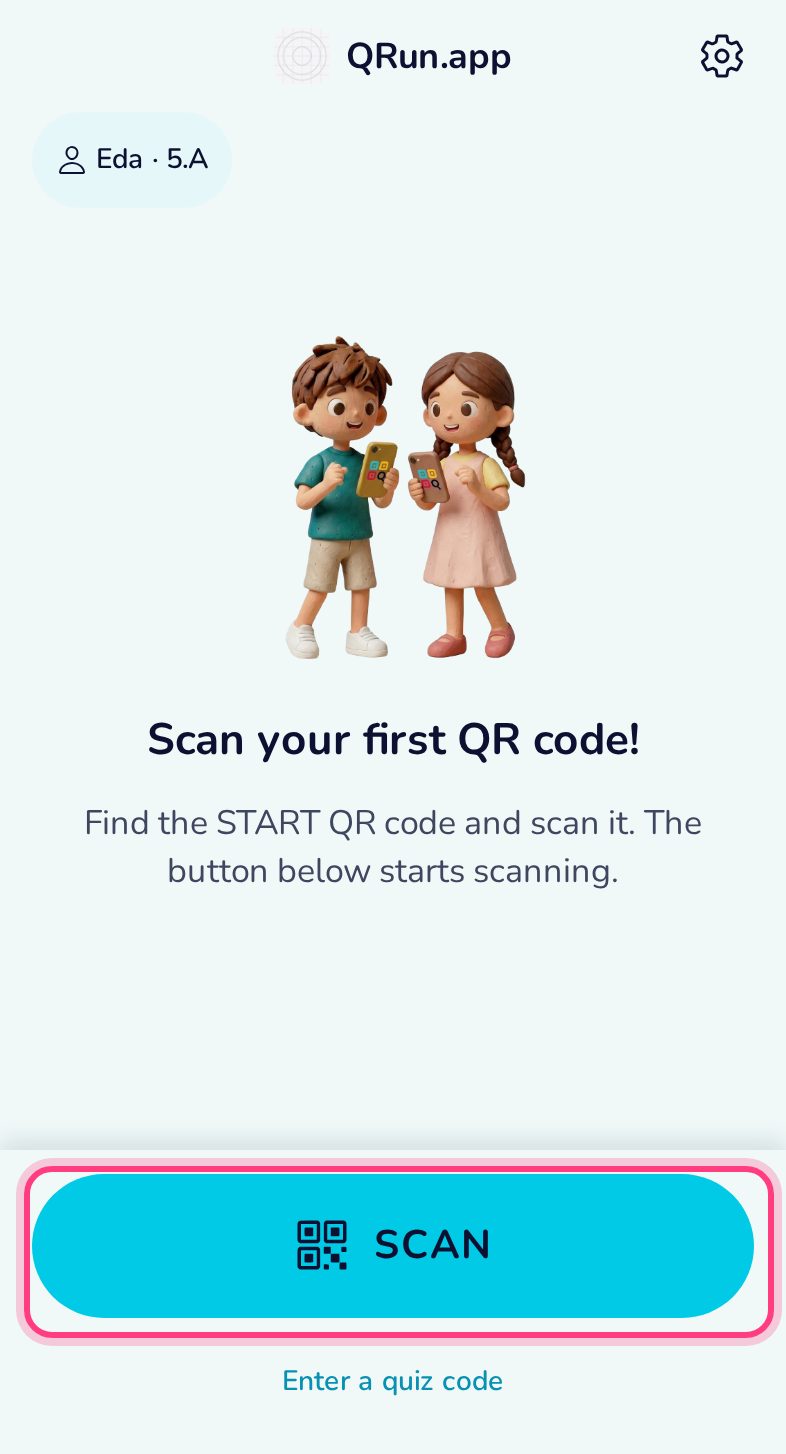
Scan starts a trail from a printed START code. Enter a quiz code opens an online quiz. Your name is shown at the top; the gear opens Settings.