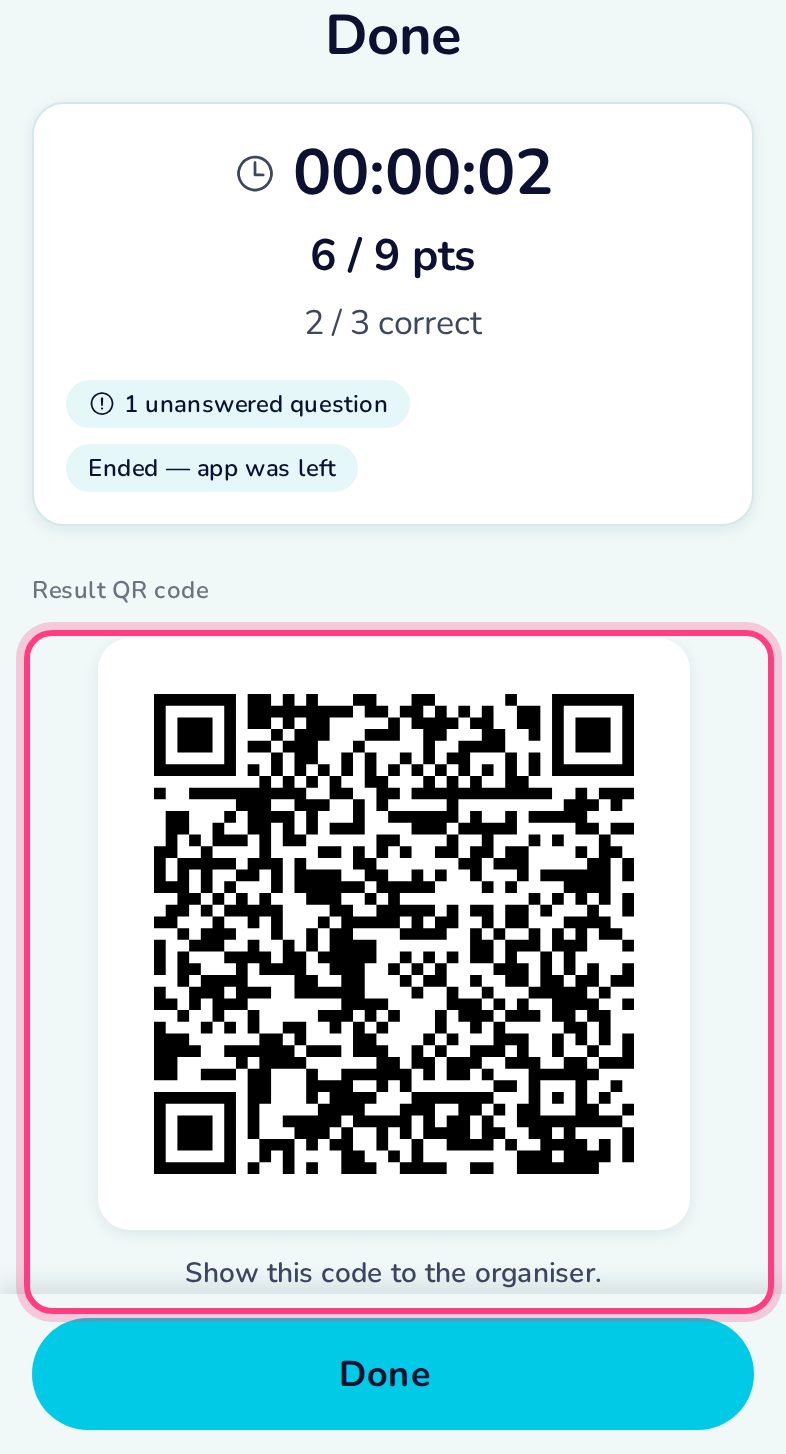
On-screen quiz from one QR code
An on-screen quiz (QRUNA) carries all its questions in a single QR code — ideal in a classroom. Scan it once and answer on the phone. A monitored quiz ends if you leave the app.
Before you start
The start screen shows the number of questions and the rules. In a monitored quiz, leaving the app ends the quiz — the app suggests Airplane mode against notifications.
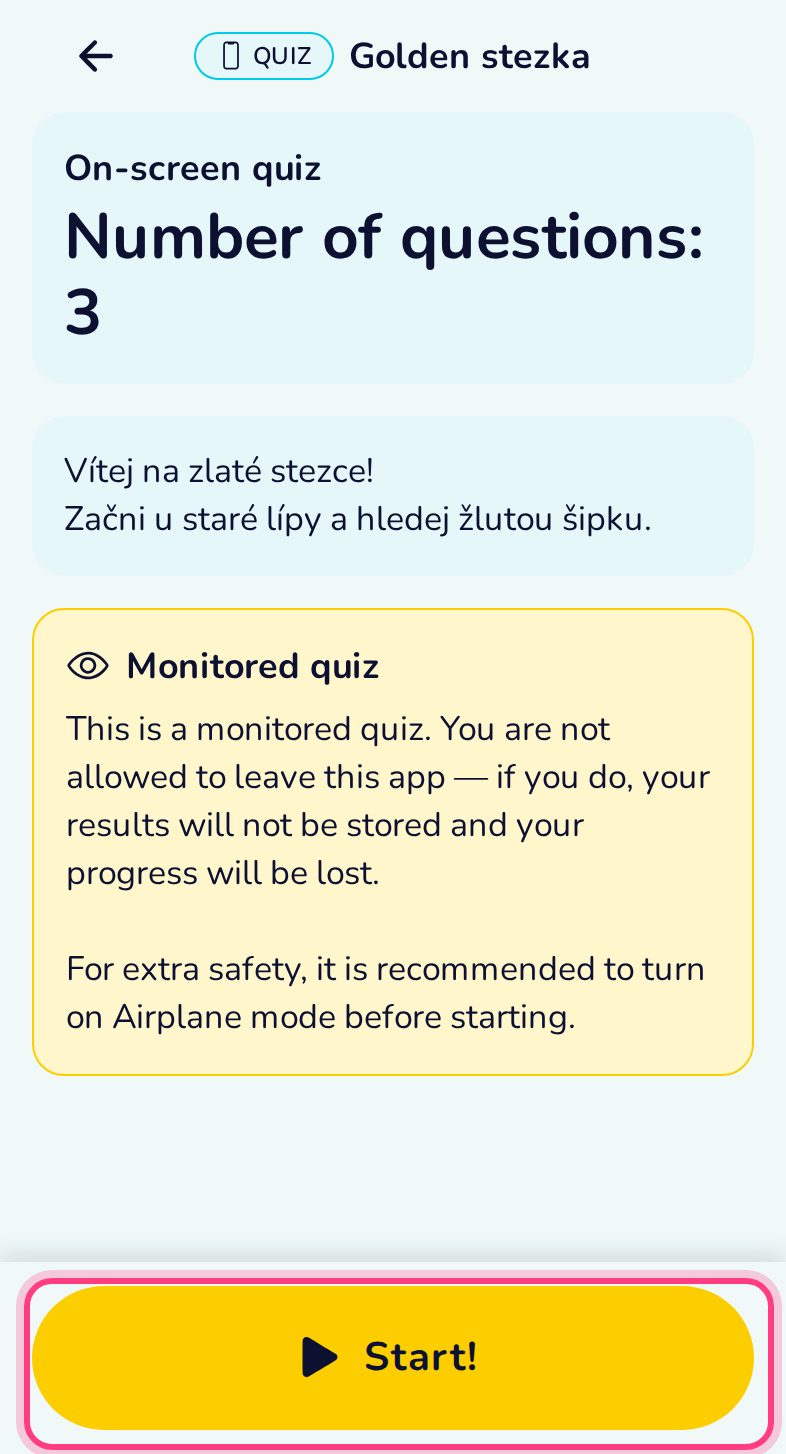
Answer on the screen
Same scoring as the trail: 3 points for a right first answer, one less for every wrong try.
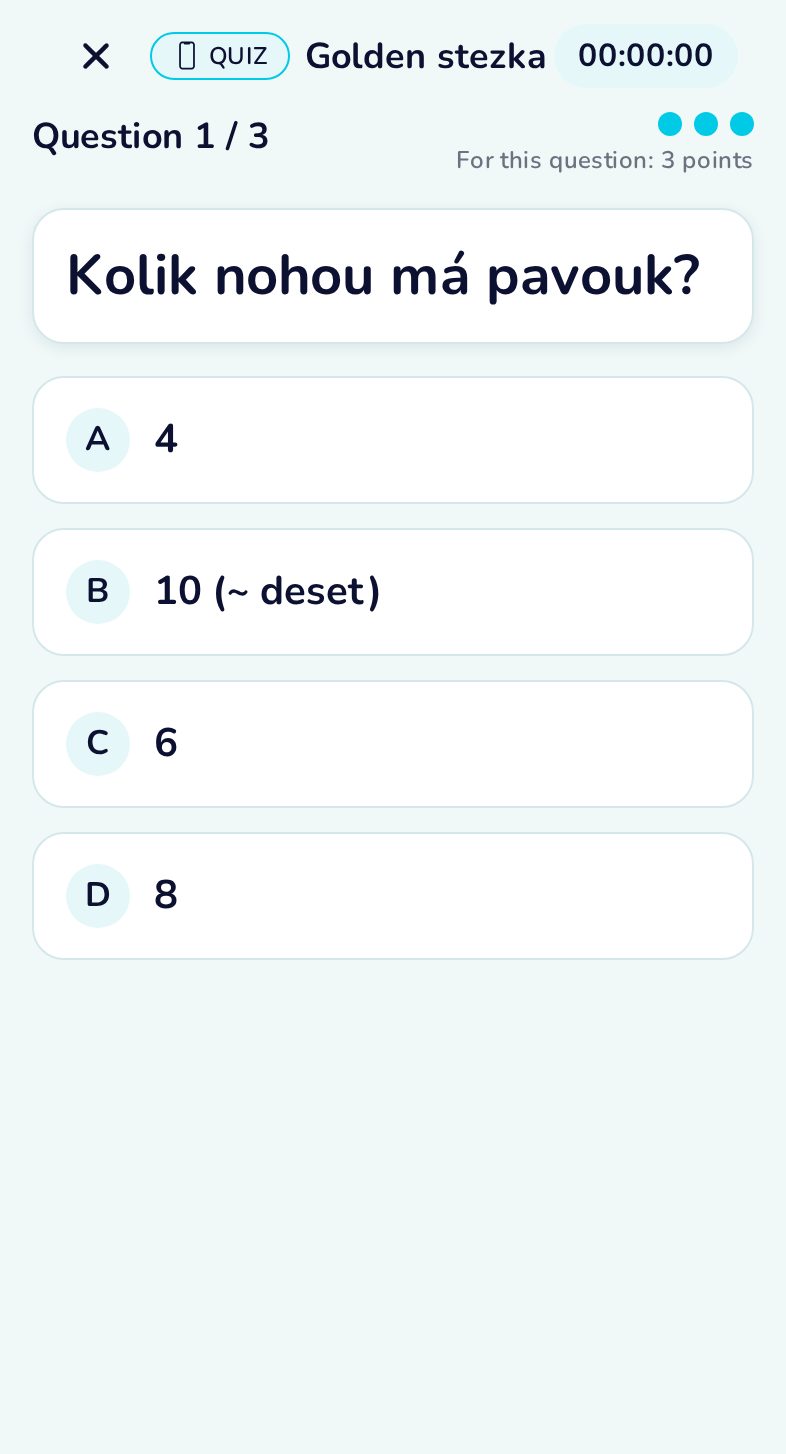
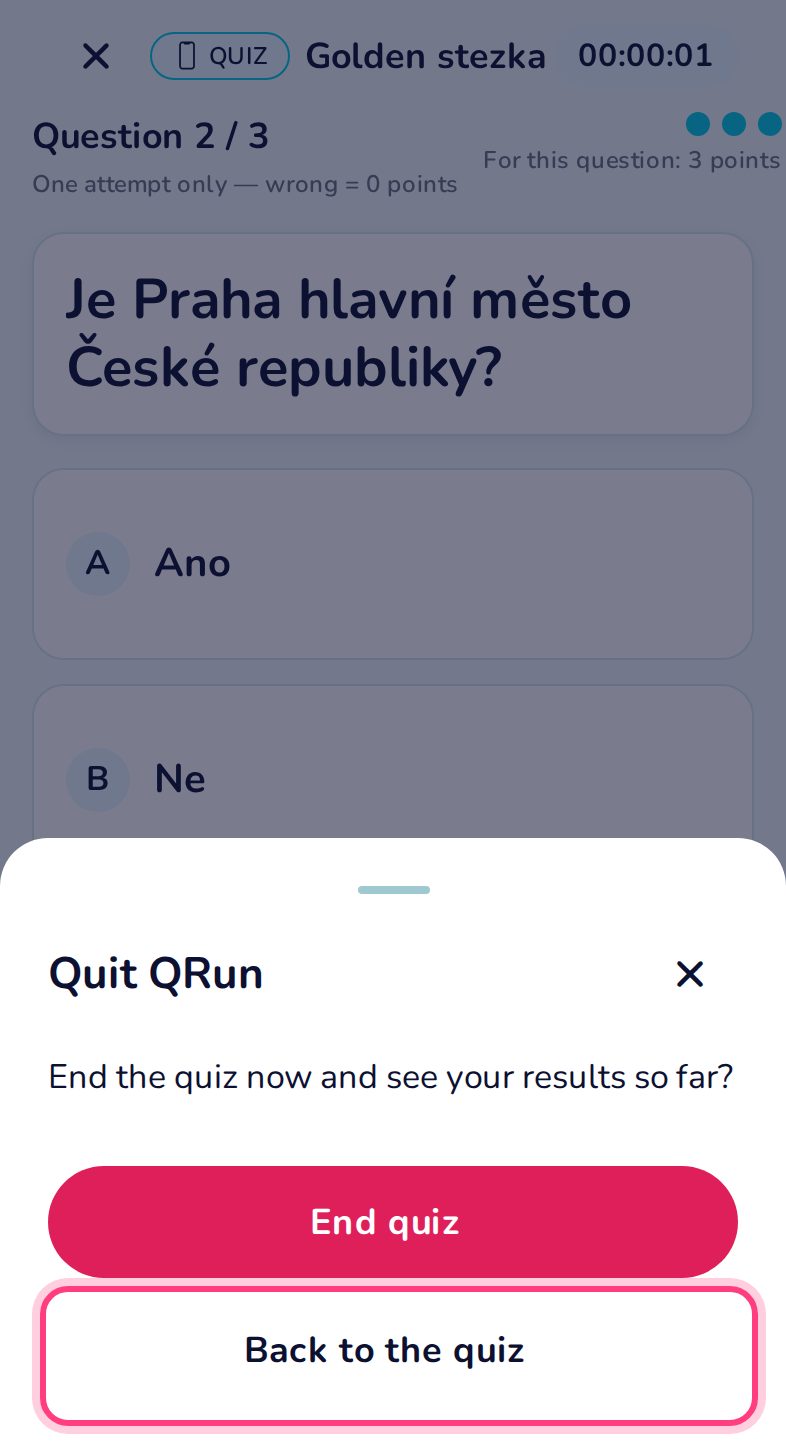
Ending early
The ✕ asks before it ends the quiz; the result keeps the points so far.
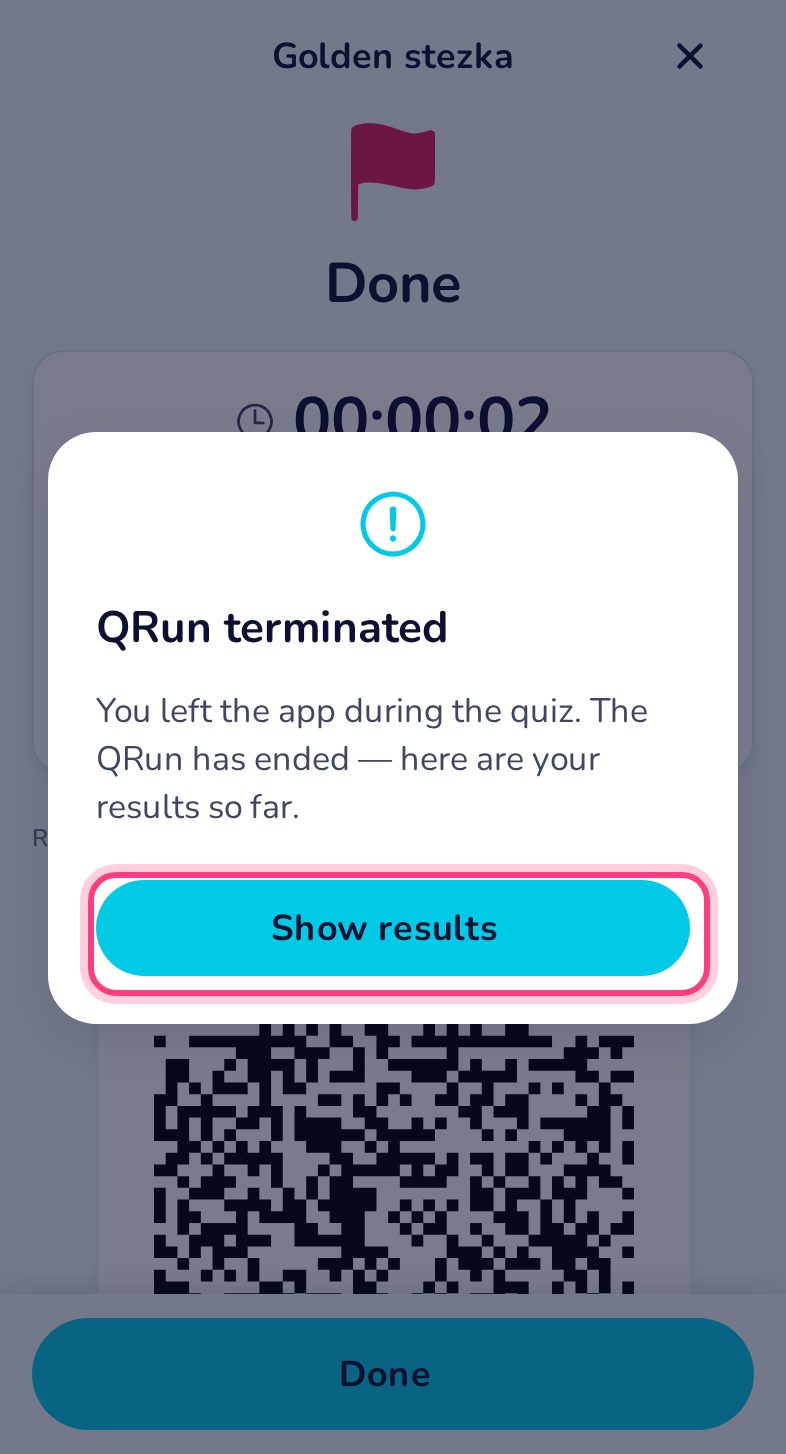
Leaving the app ends the quiz
Switching to another app during a monitored quiz ends it — back in QRun the player sees “QRun terminated” and the result keeps the points so far.
Results and result QR
Show the result QR to the teacher; it is also saved in the history.