History and settings
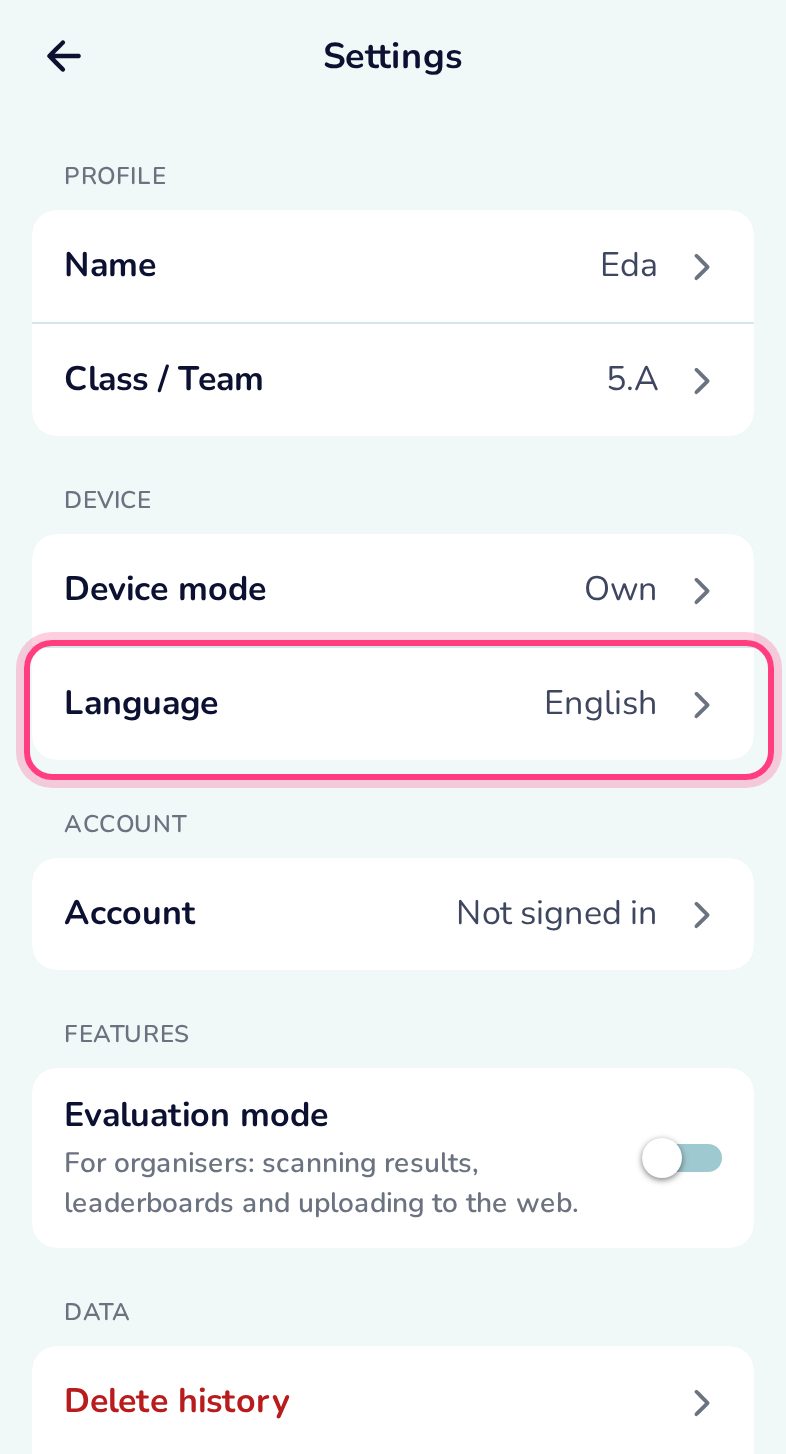
Every finished race stays on the phone with its result QR code. Settings change your name, the device mode and the language, and delete data.
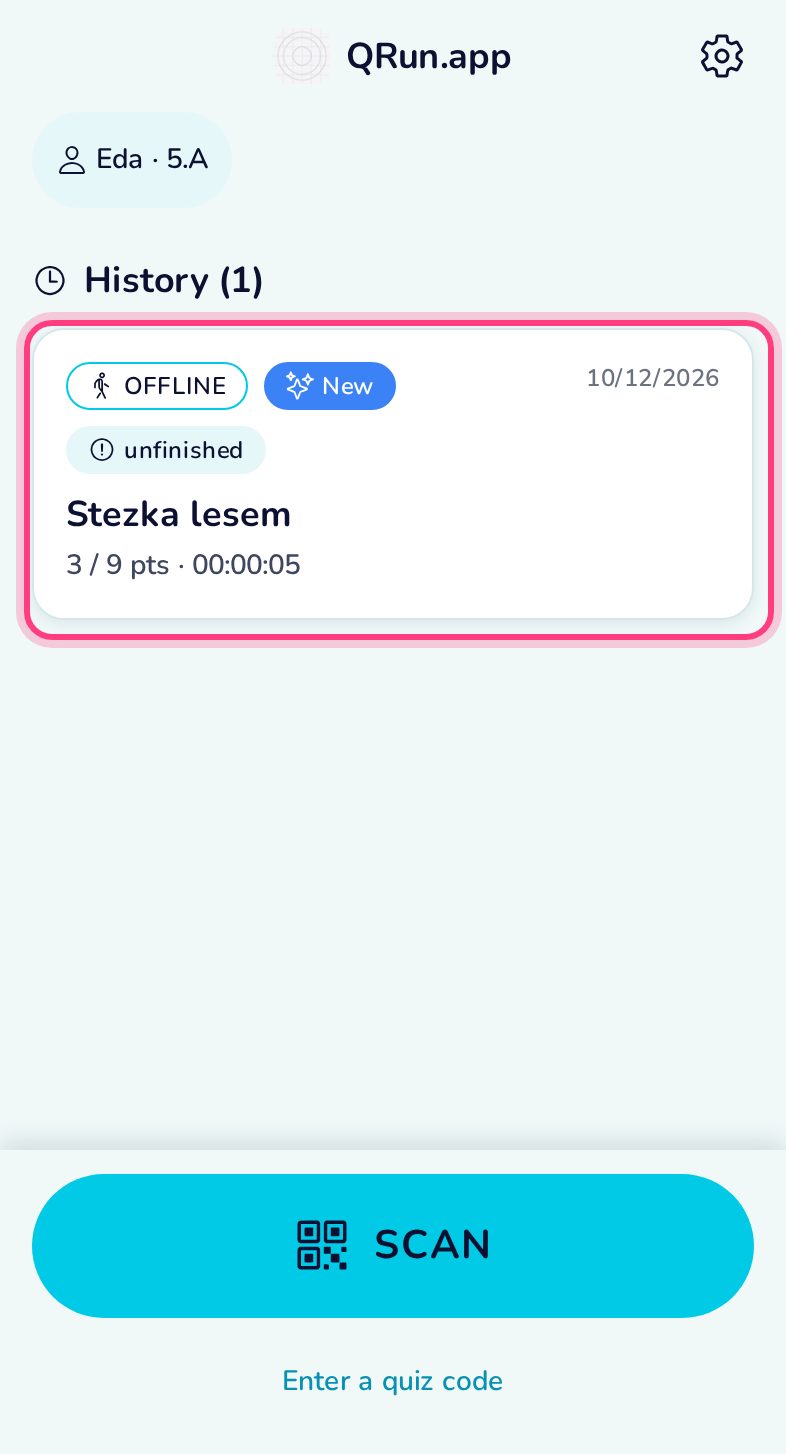
Your history
Finished races are listed on the home screen, newest first.
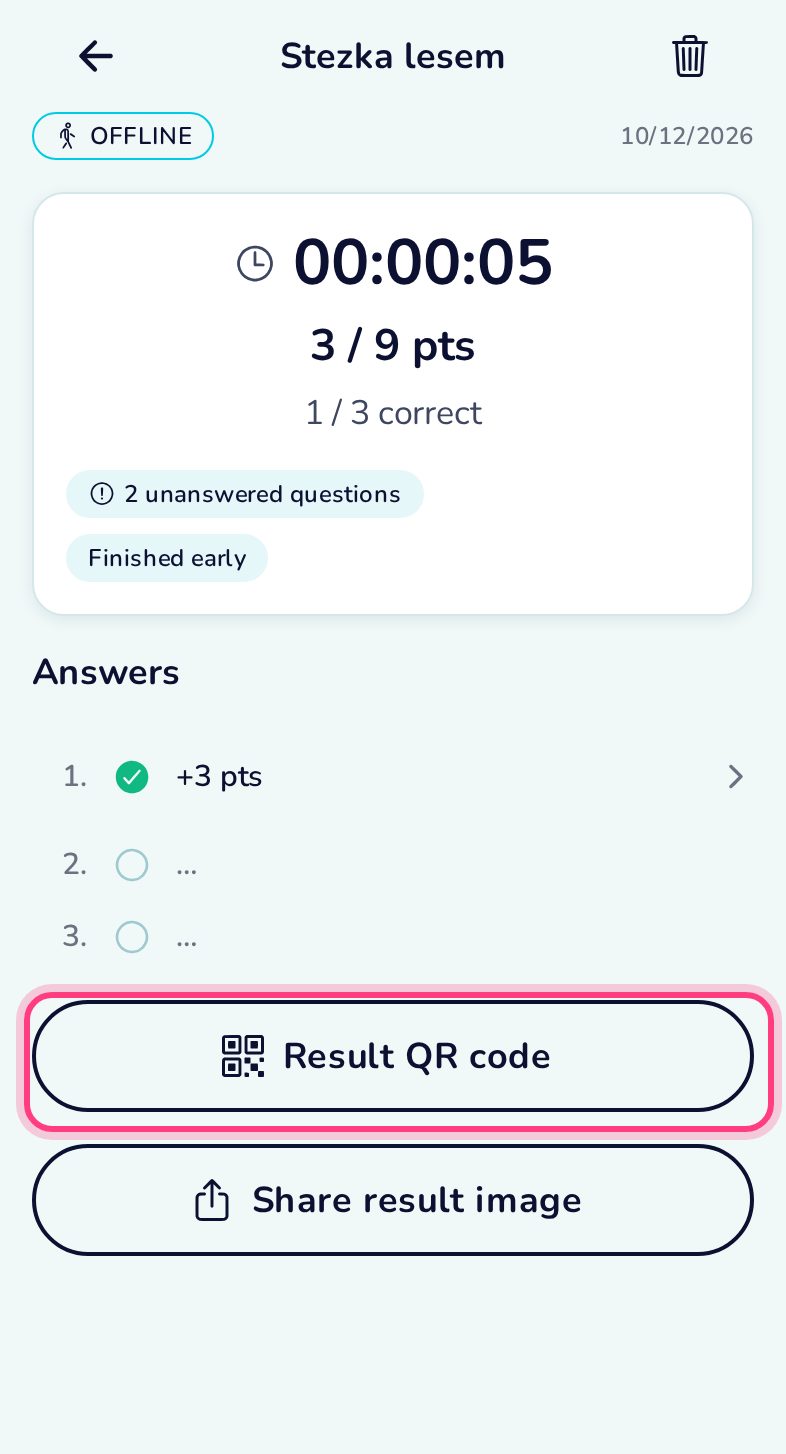
Result detail
Time, points and every station’s answer.
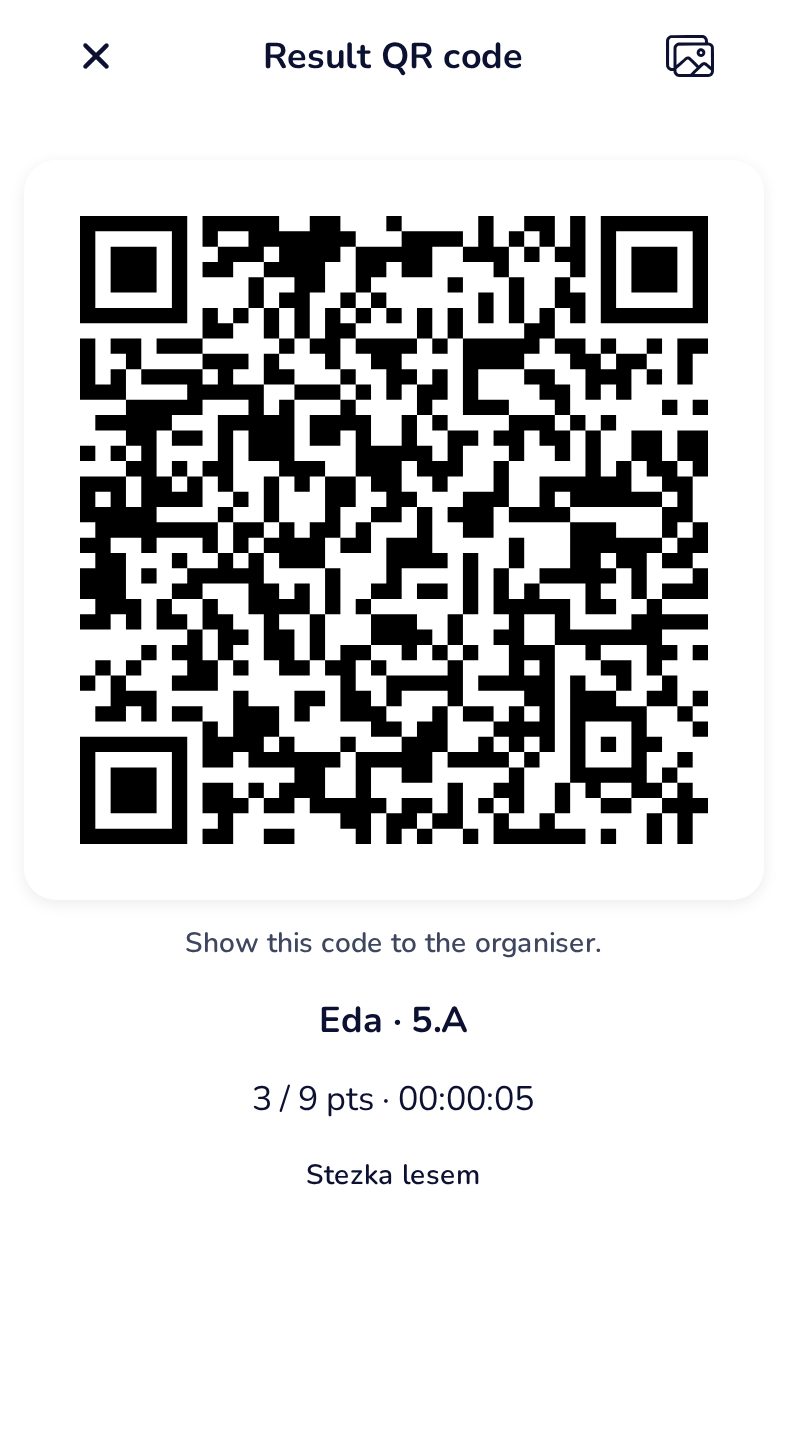
Show the result QR again
Large and bright, for the organiser’s scanner — even days later.
Settings
Name and class, device mode, language, the evaluation mode for organisers, deleting data, and links to the website and the privacy policy.
Eleven languages
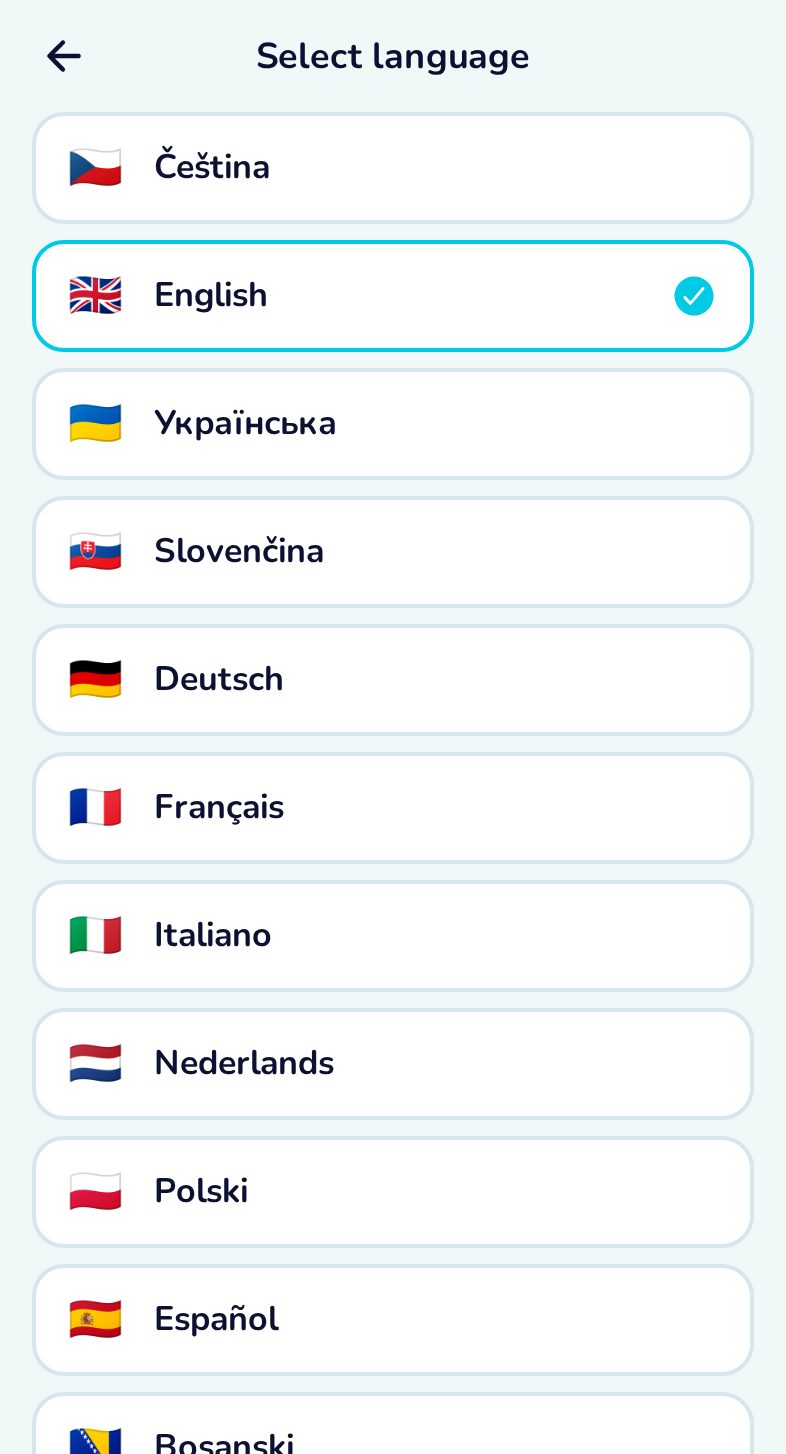
The app follows the phone’s language until you pick one here.
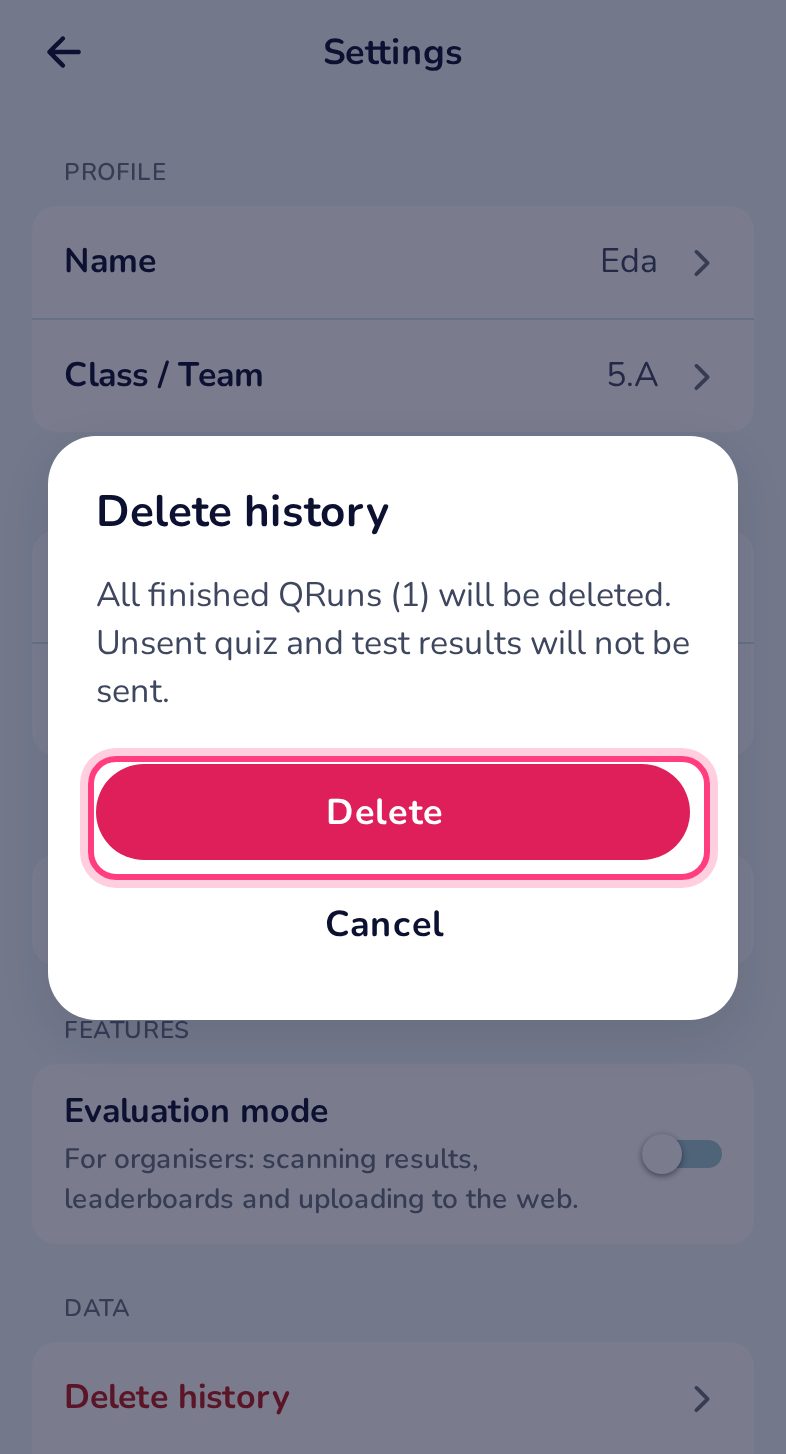
Deleting data
Deleting always asks first. Results live only on this phone, so what you delete here is gone for good — quiz results not yet sent will not be sent.