Play an offline trail
An offline trail is a set of printed QR codes: a START, one code per station with a question, and a FINISH. The phone needs no internet at all — everything is inside the codes. At the end the app shows a result QR code that the organiser scans.
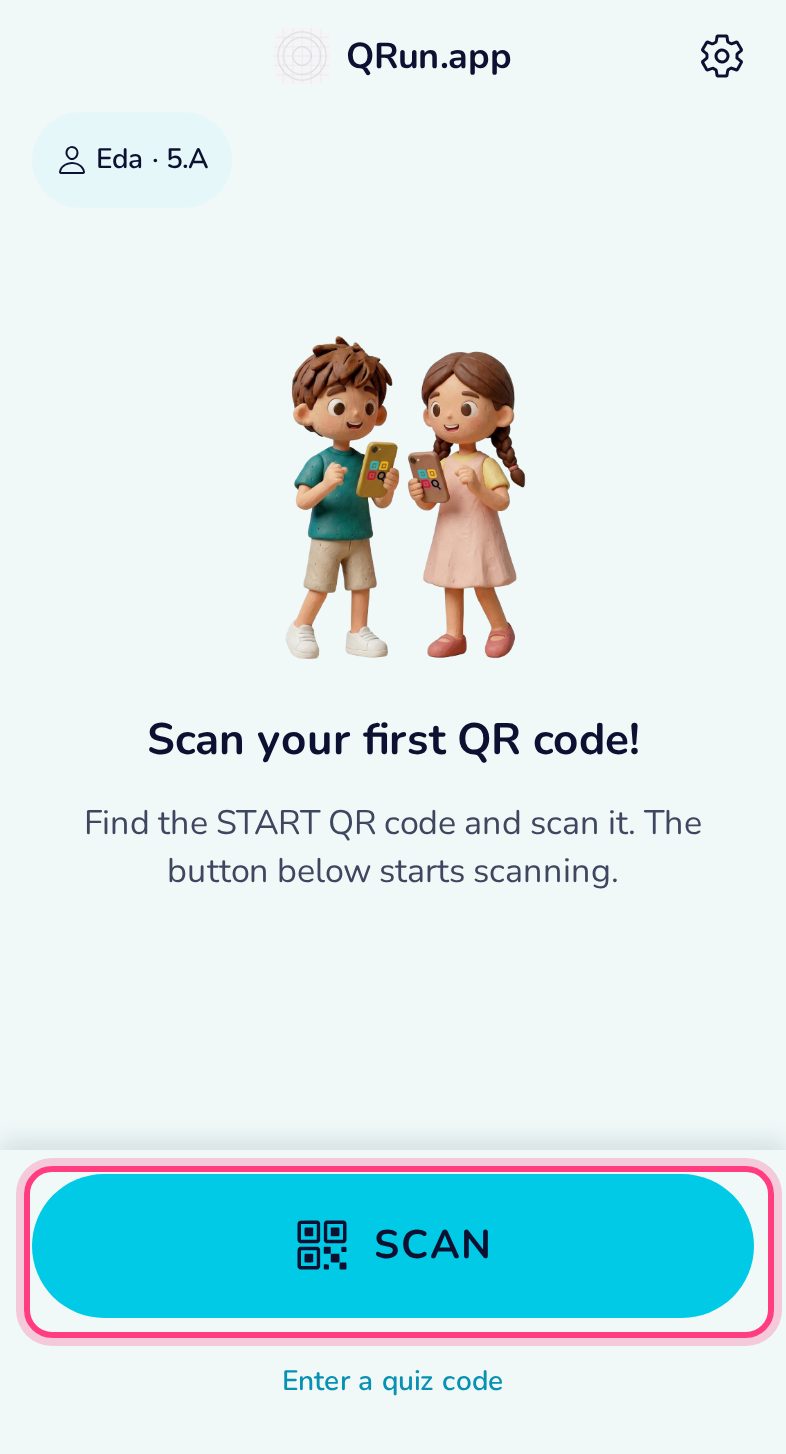
Open the scanner
On the home screen tap Scan. The same button scans every QRun code.
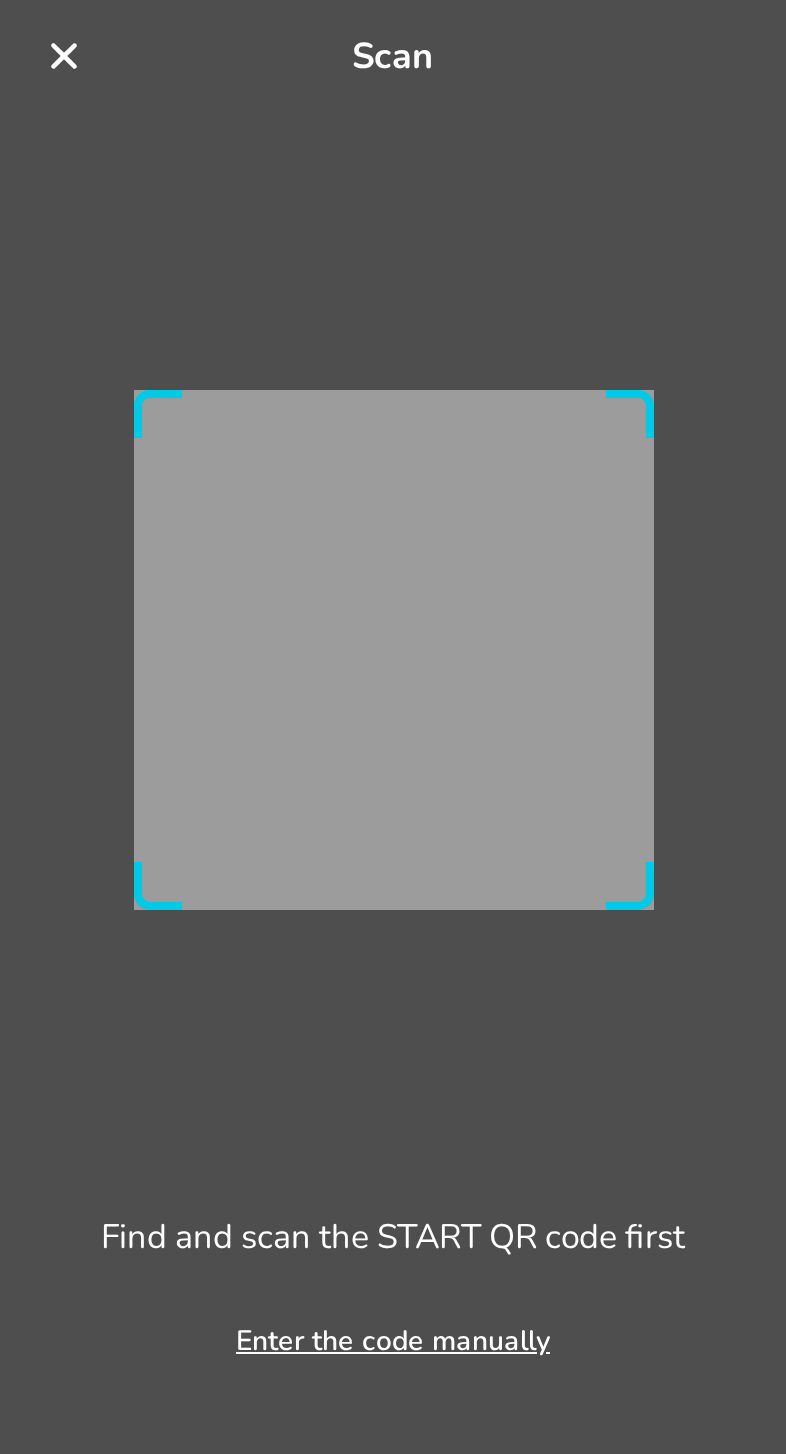
Scan the START code
Point the camera at the START code. The app reads it by itself — no button to press.
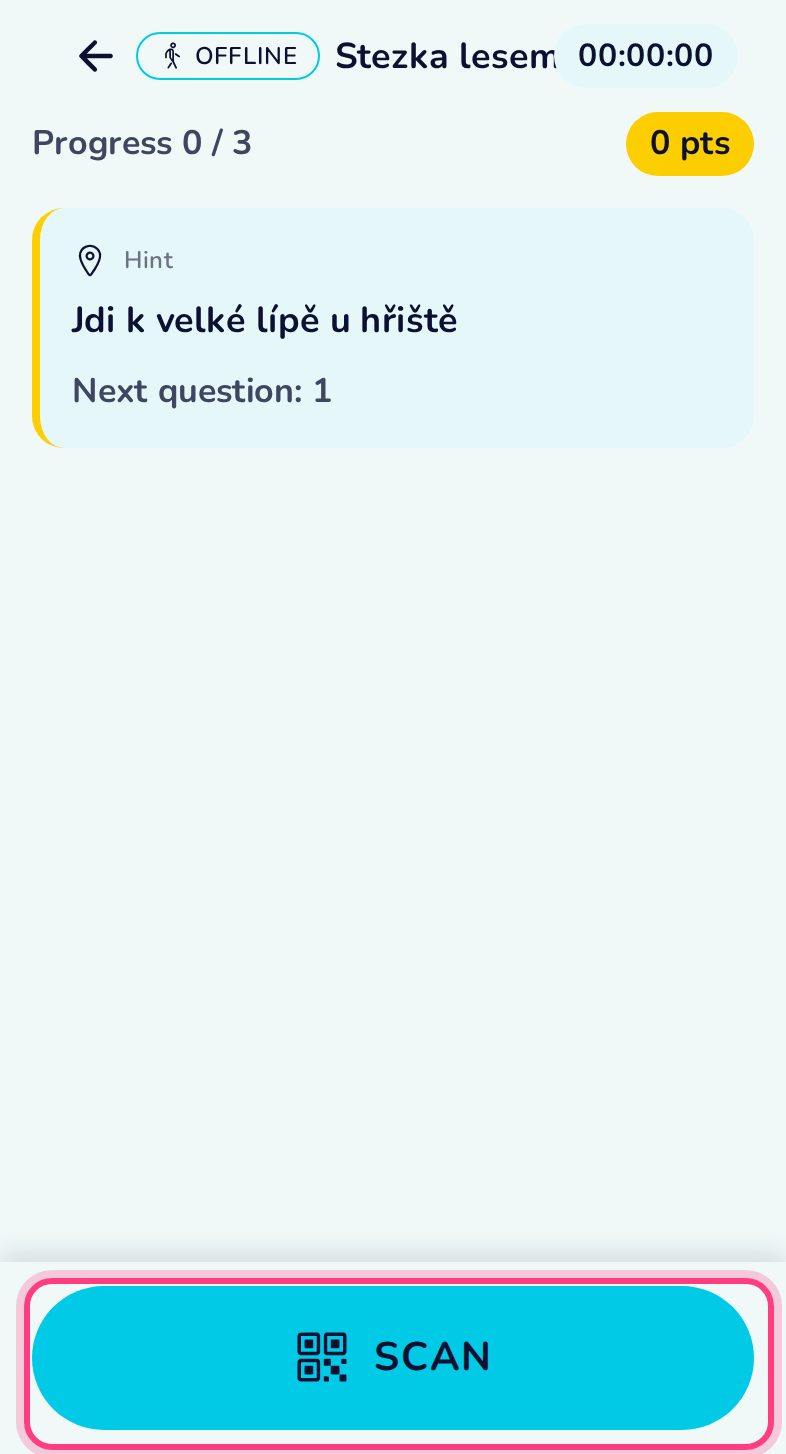
The trail has started
The clock runs from now. The card tells you where to go first; the progress shows how many stations are left.
Answer the question
At each station scan its code and pick an answer. A right answer on the first try earns 3 points; every wrong try costs one.
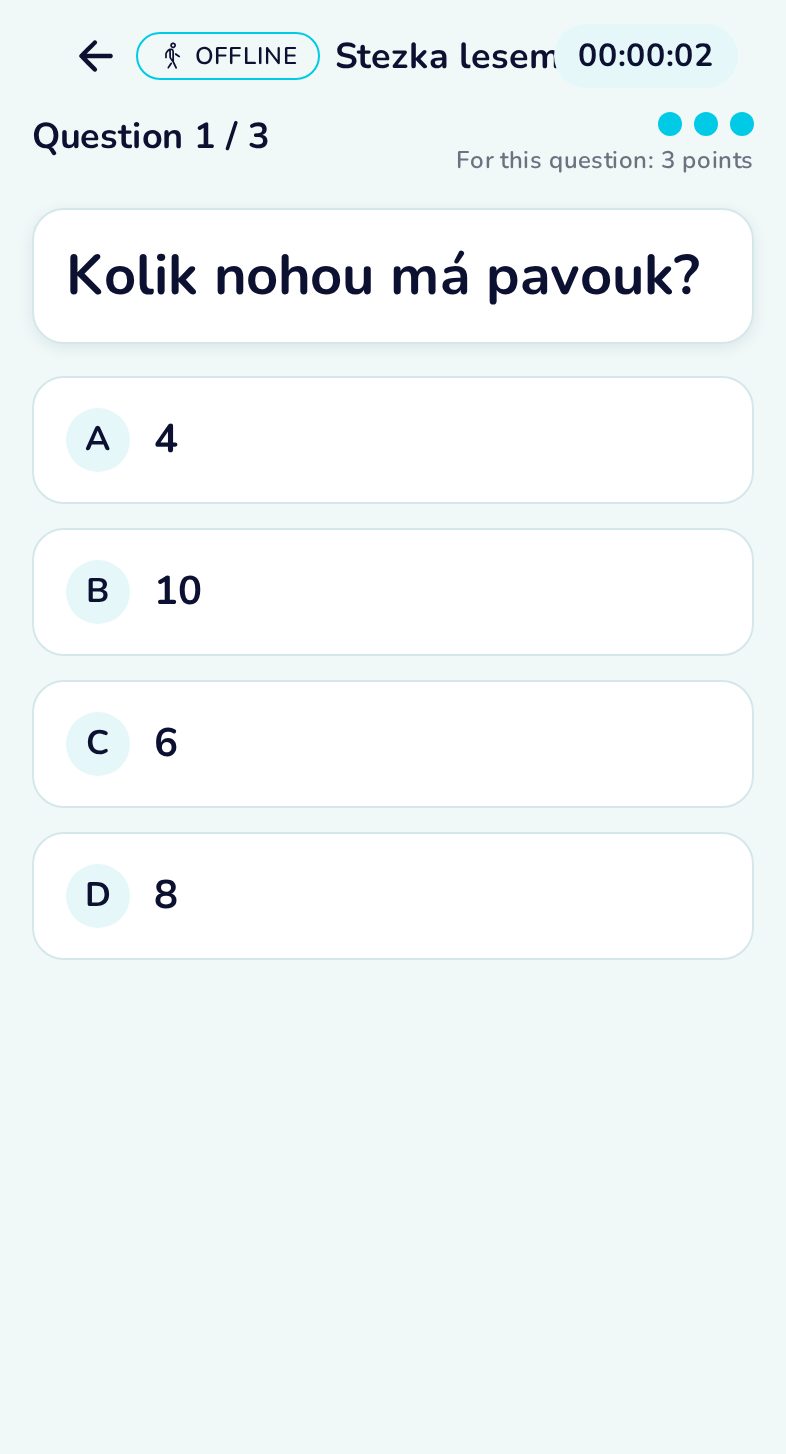
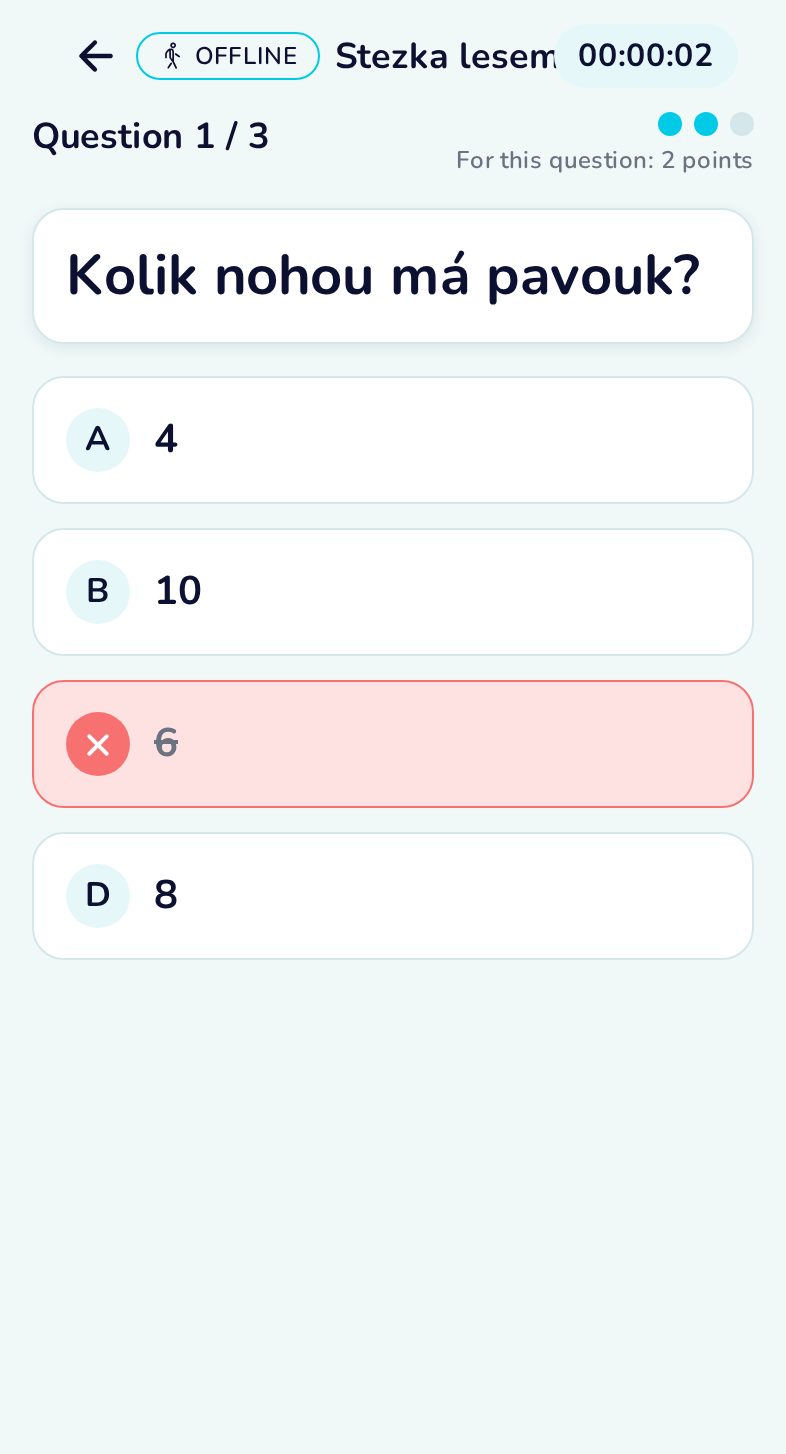
Wrong? Try again
A wrong answer is marked and locked. You can try again, for one point less.
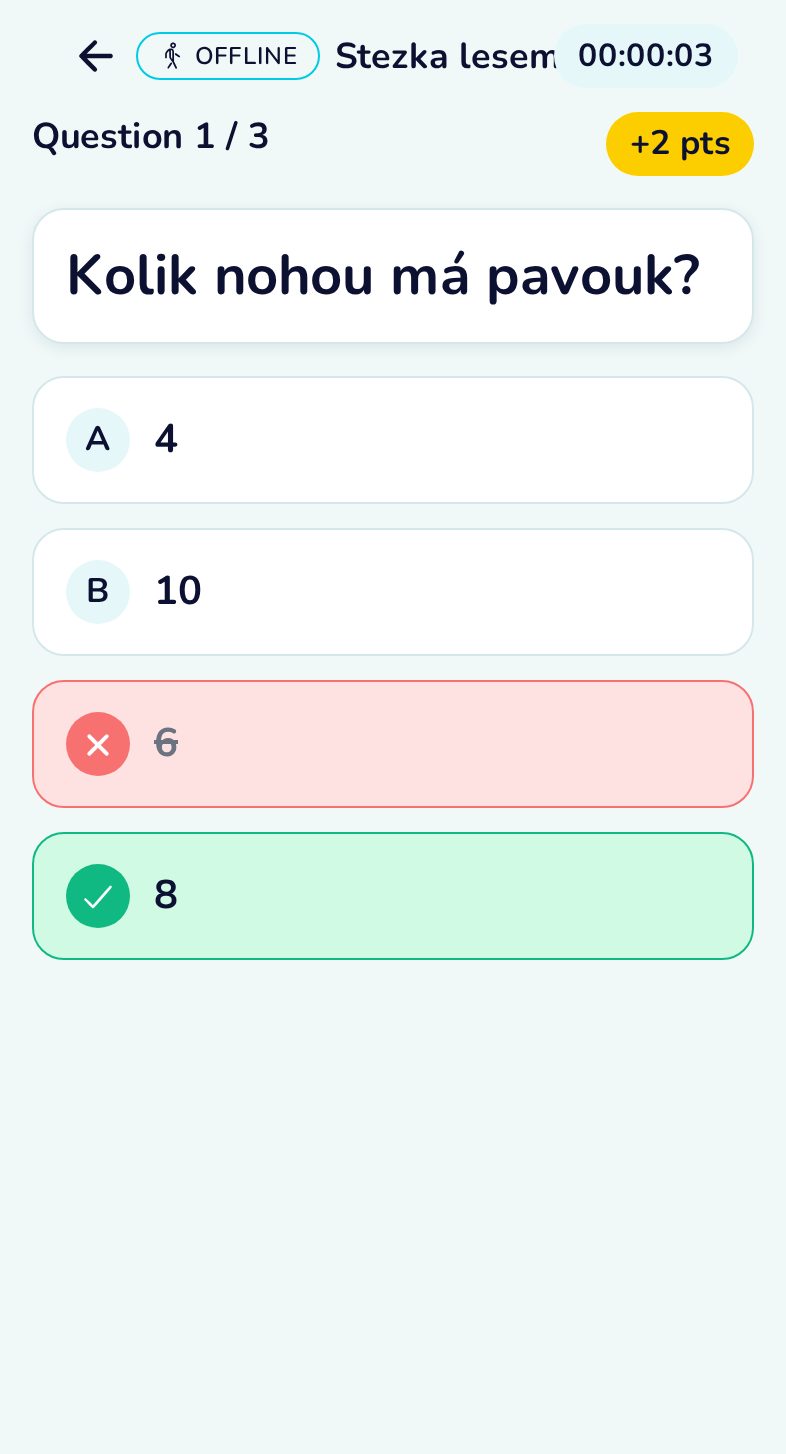
Right answer
The app shows the points for this station; back on the trail screen, the hint says where the next one is.
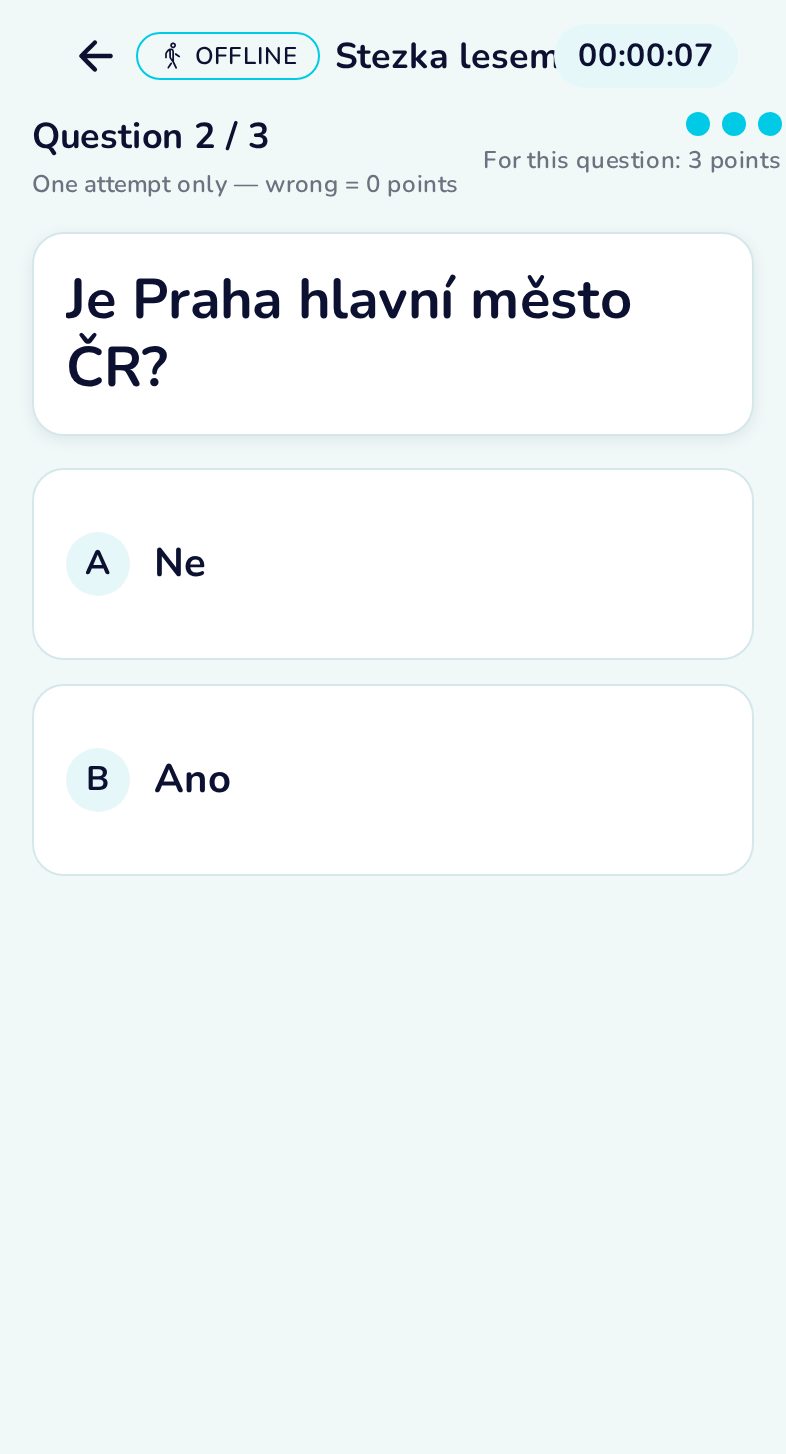
Yes/no stations
Some stations ask a yes/no question — only one try here.
All stations done
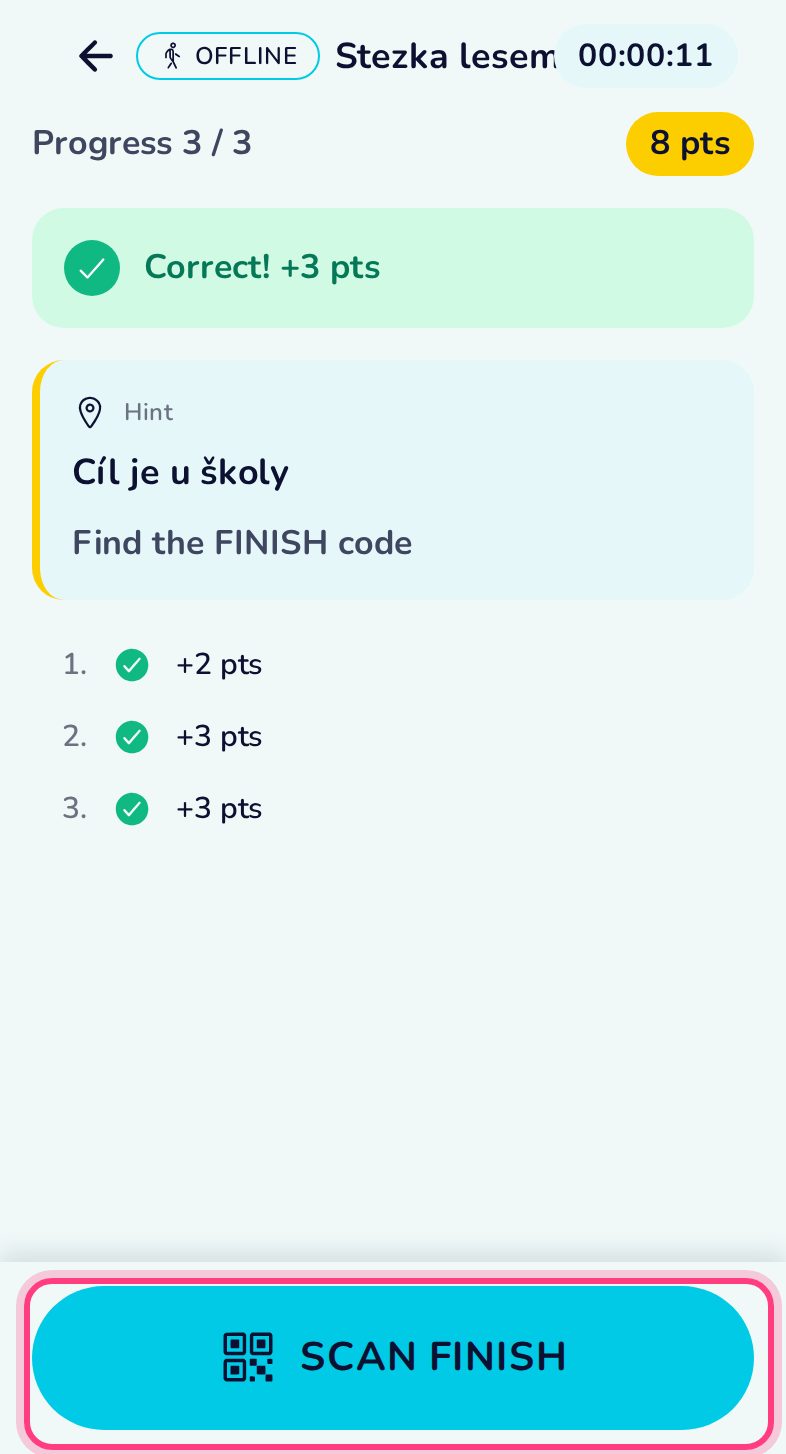
When every station is answered, go to the FINISH and scan it.
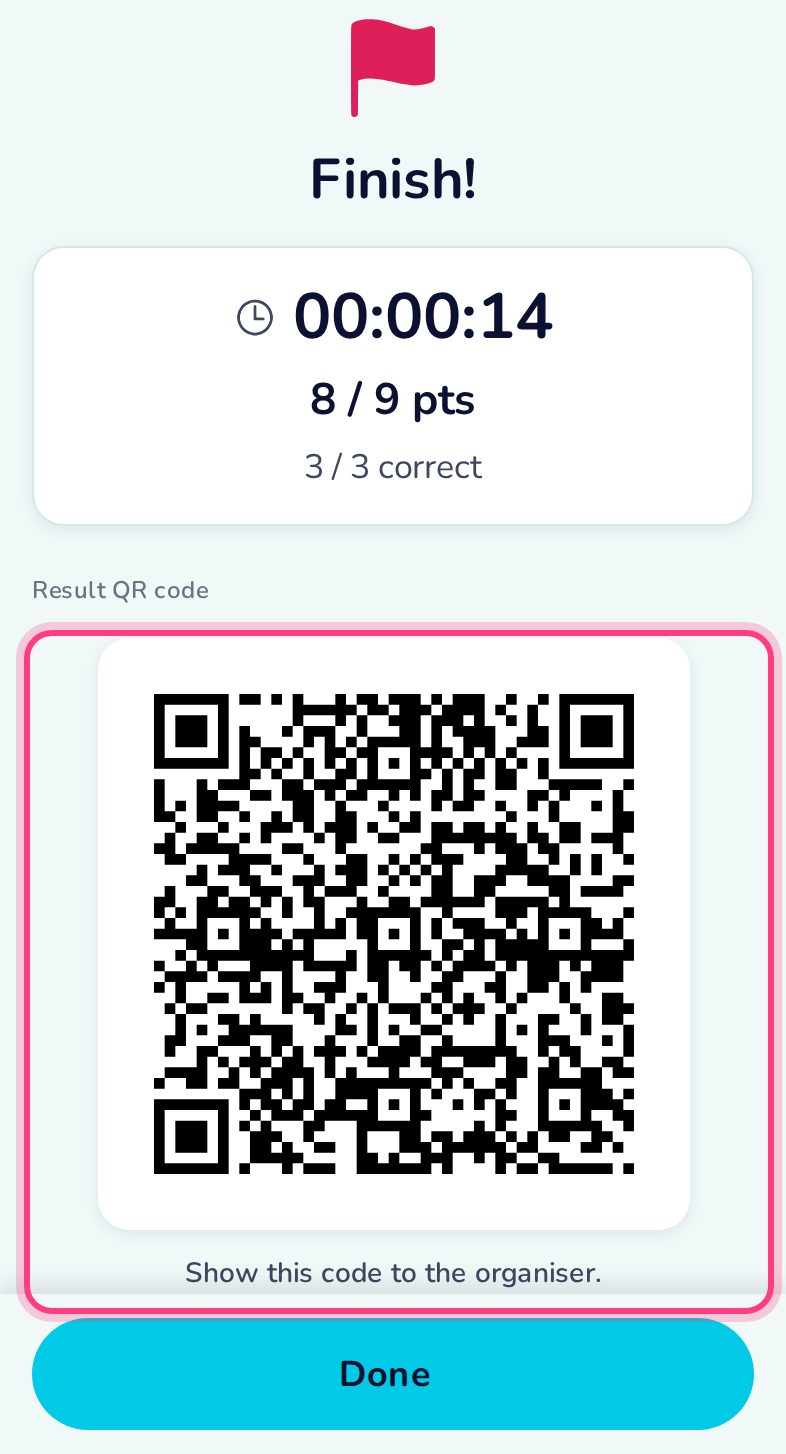
Finish and result QR
Your time and points, and the result QR code. Show it to the organiser — they scan it with QRun in evaluation mode. It works without internet too.
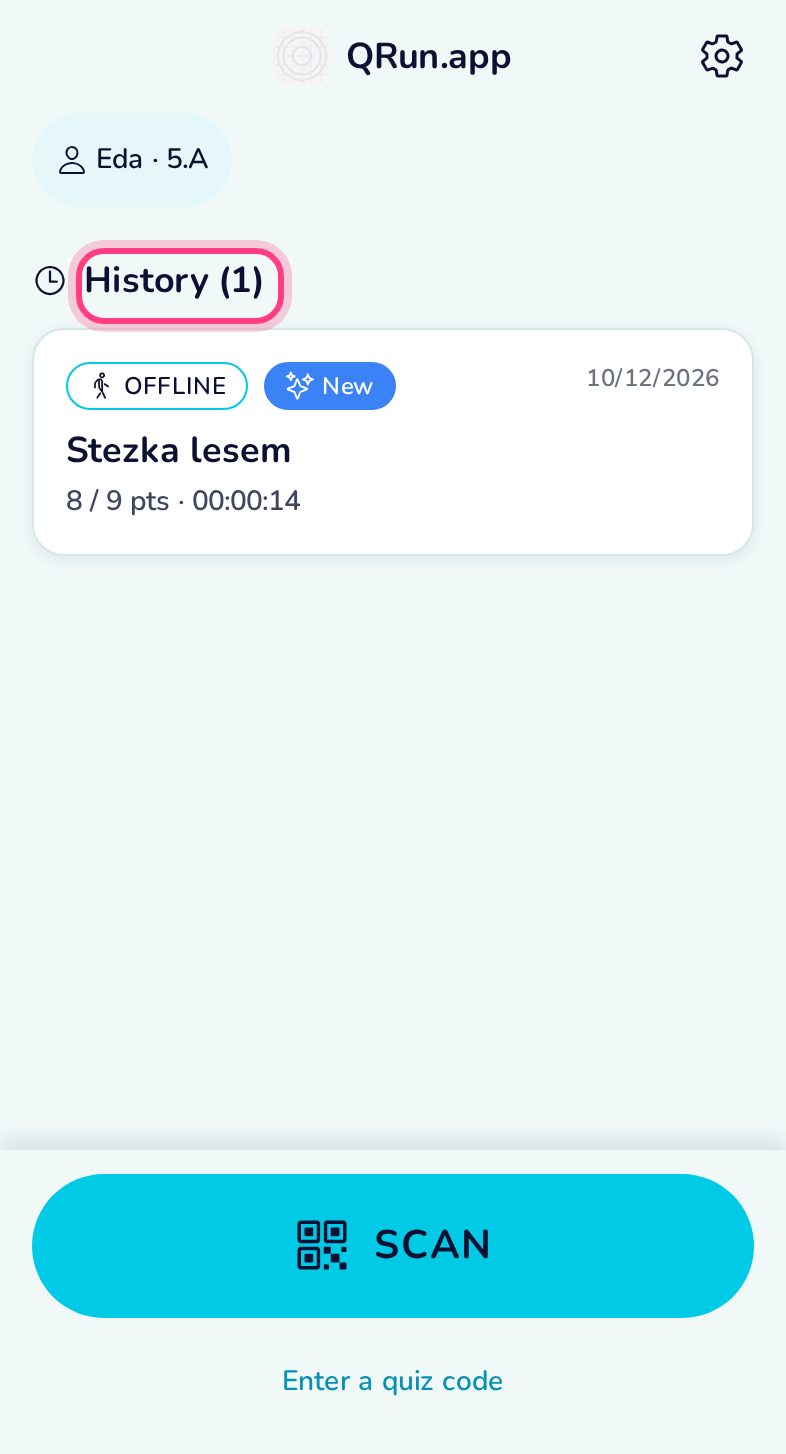
Saved in your history
The result stays on the phone. Open it from the history any time to show the result QR again.