Online quiz with a code
An online quiz needs no printed codes: type the quiz code from the organiser (or scan it). The app downloads the quiz once — then it runs without signal.
Enter a quiz code
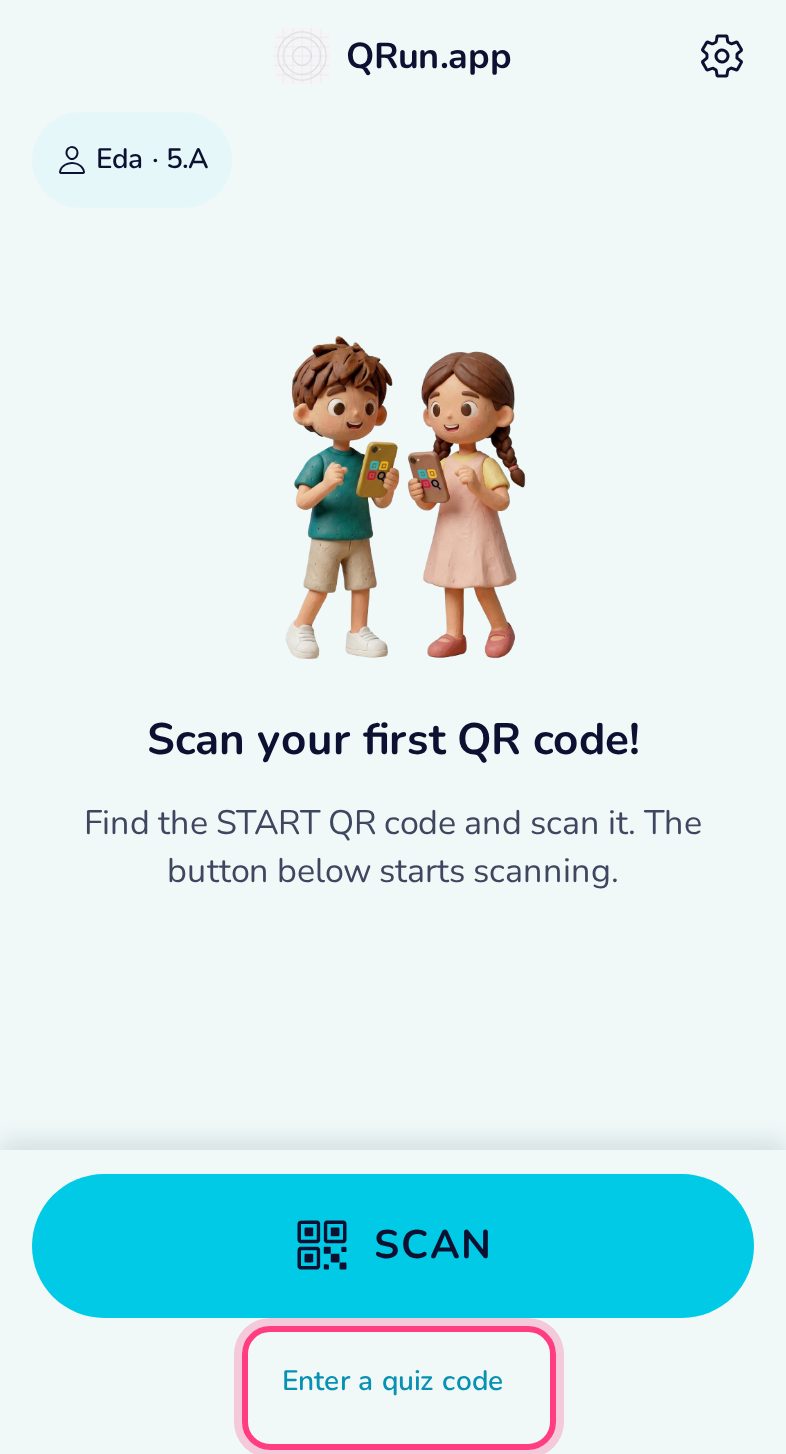
Tap Enter a quiz code on the home screen.
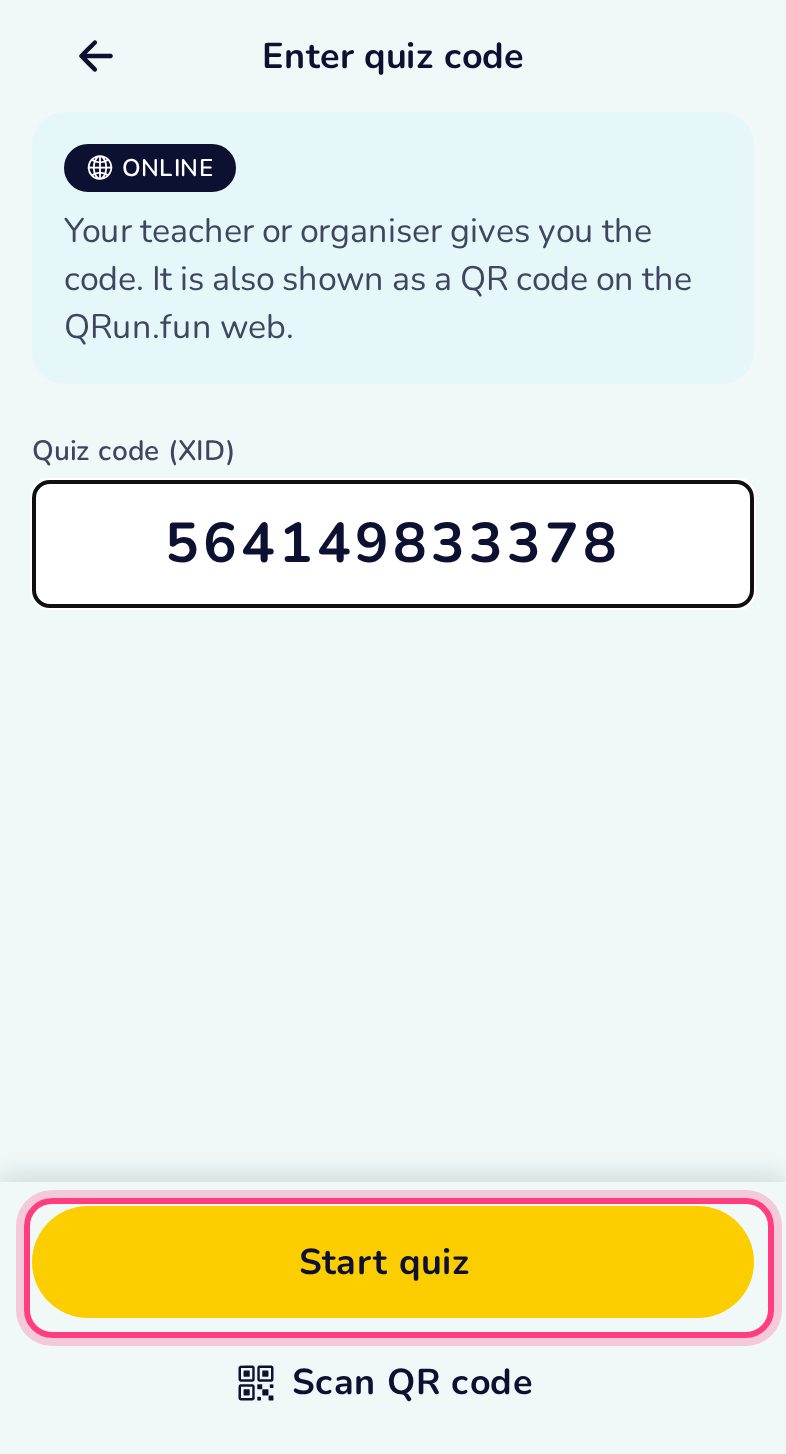
Type the code
The code is on the organiser’s screen or handout. A mistyped code is caught on the phone before anything is downloaded.
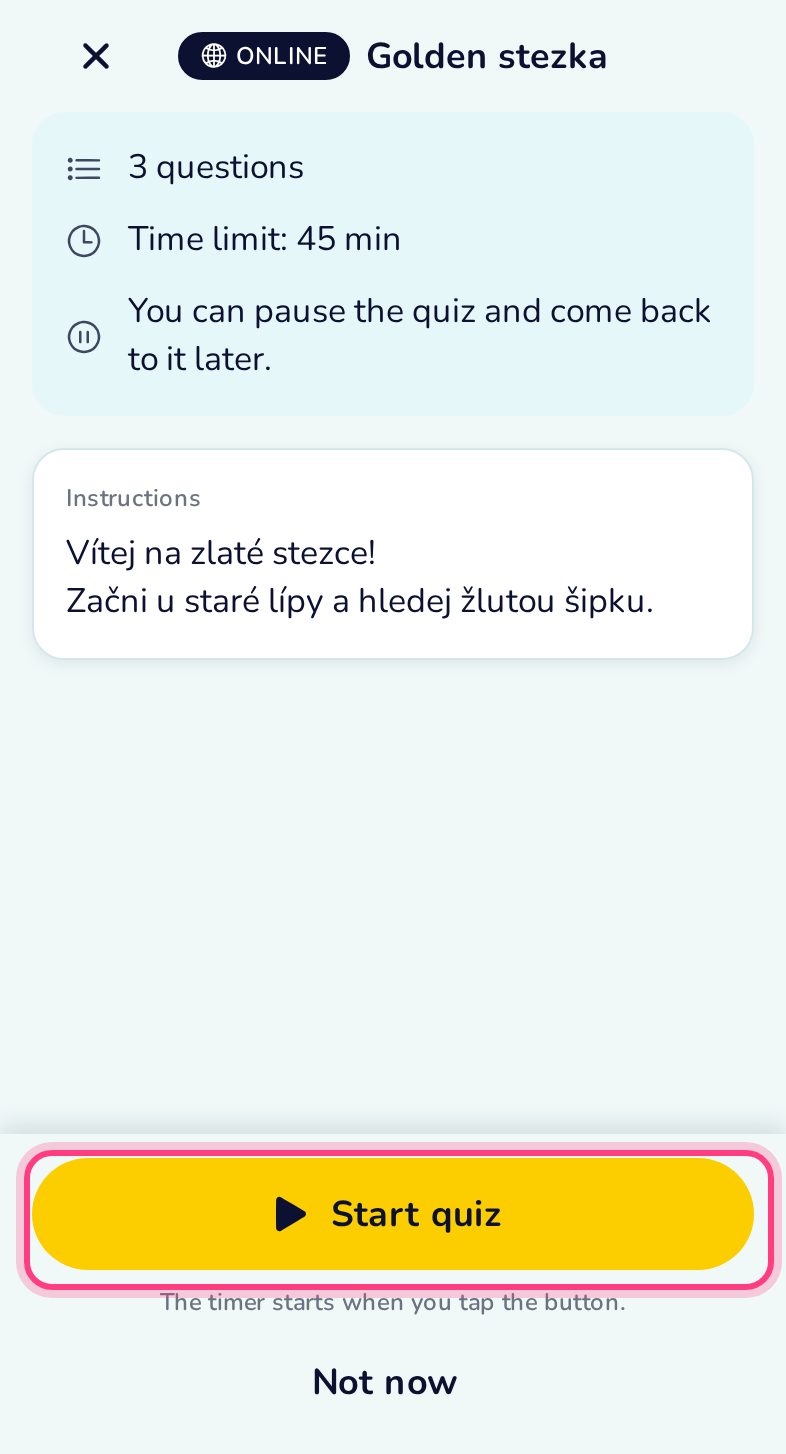
Quiz downloaded
The start screen shows the number of questions and the time limit. From here the quiz works offline.
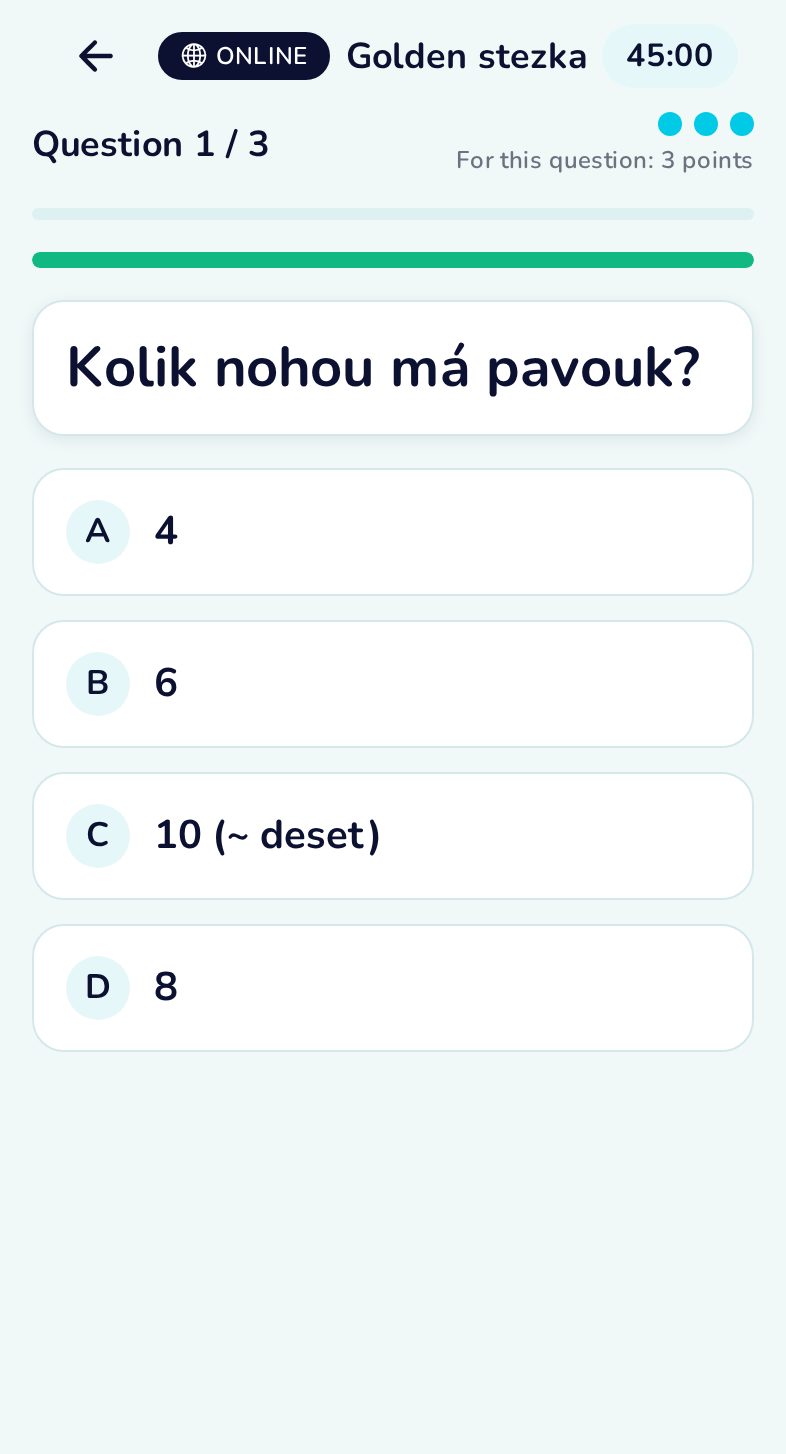
Answer
The timer at the top runs even if you leave the app; the progress shows the question number.
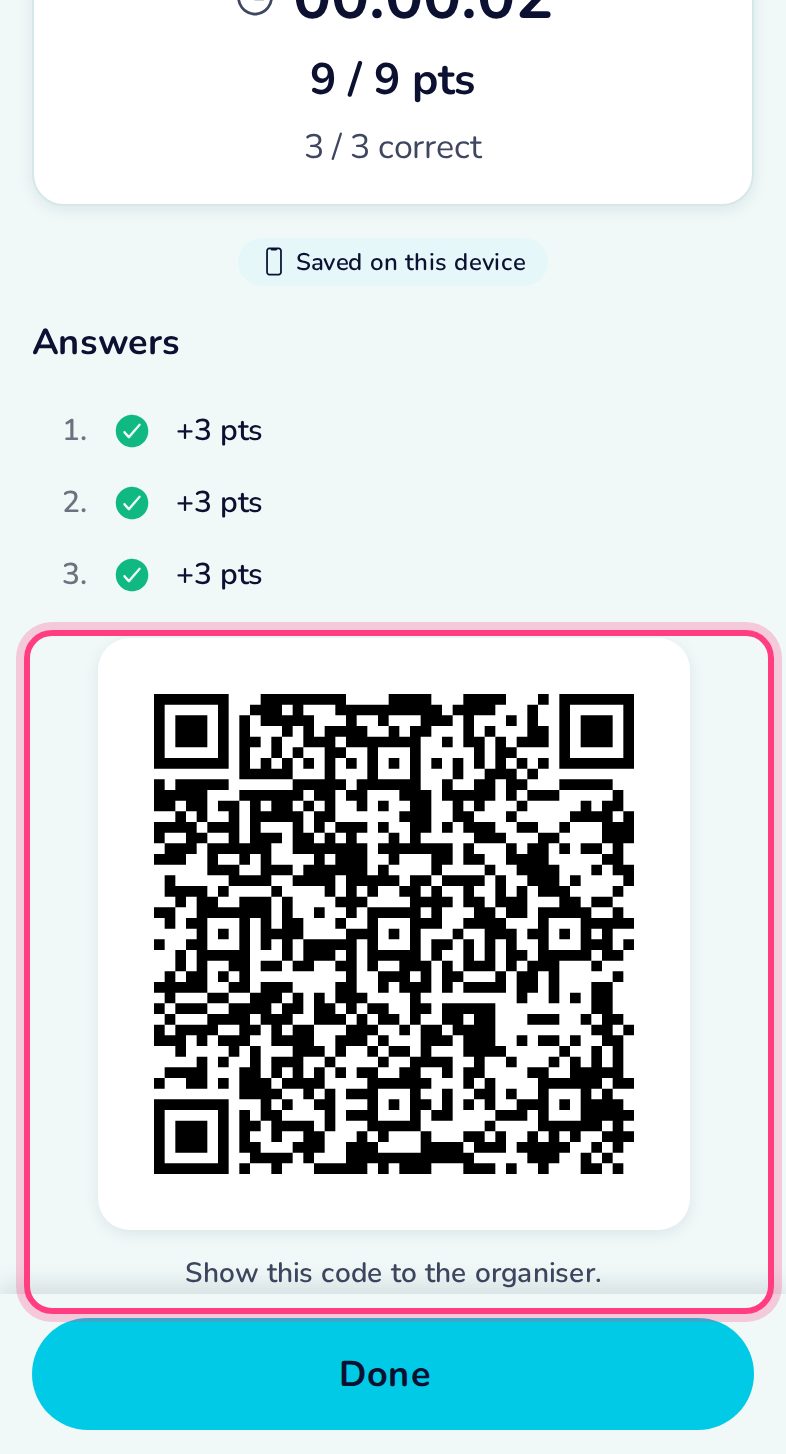
Results
Score, time and the result QR code. The result is kept in the history.