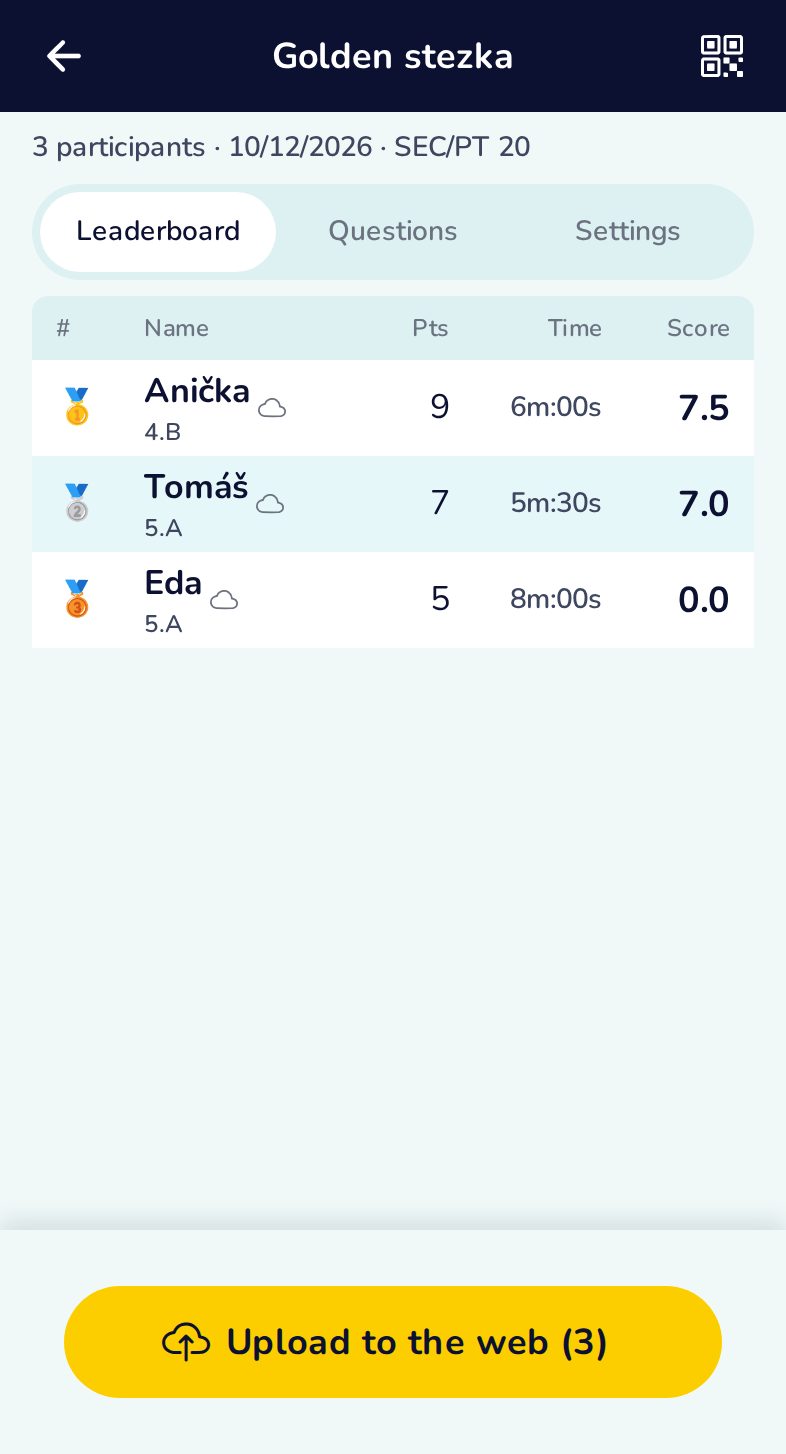
Collect and rank results
The evaluation mode replaces the QRun.guru app: scan the players’ result QR codes one after another and the app builds the leaderboard — offline, no account needed.
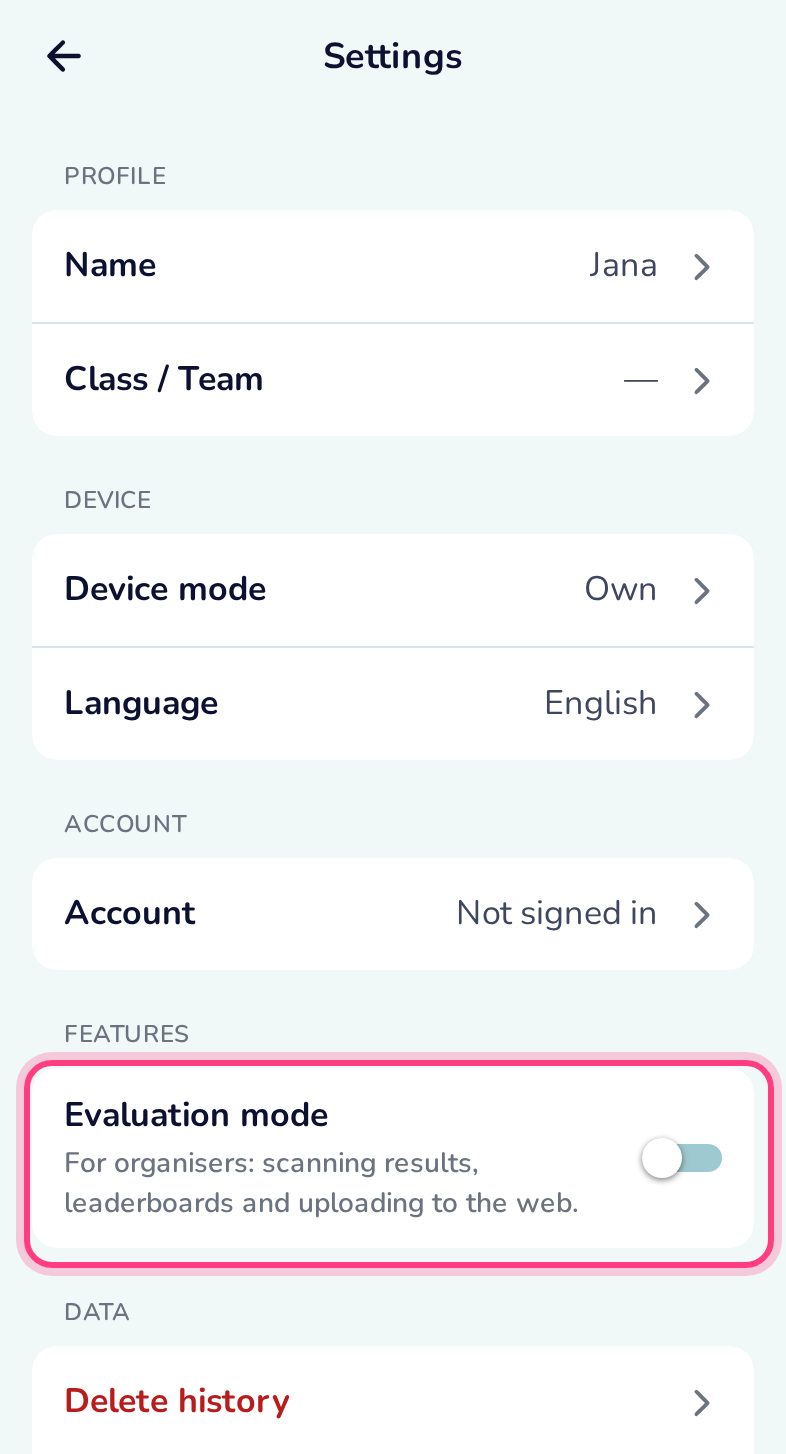
Turn on the evaluation mode
Settings → Evaluation mode. It applies to this phone only.
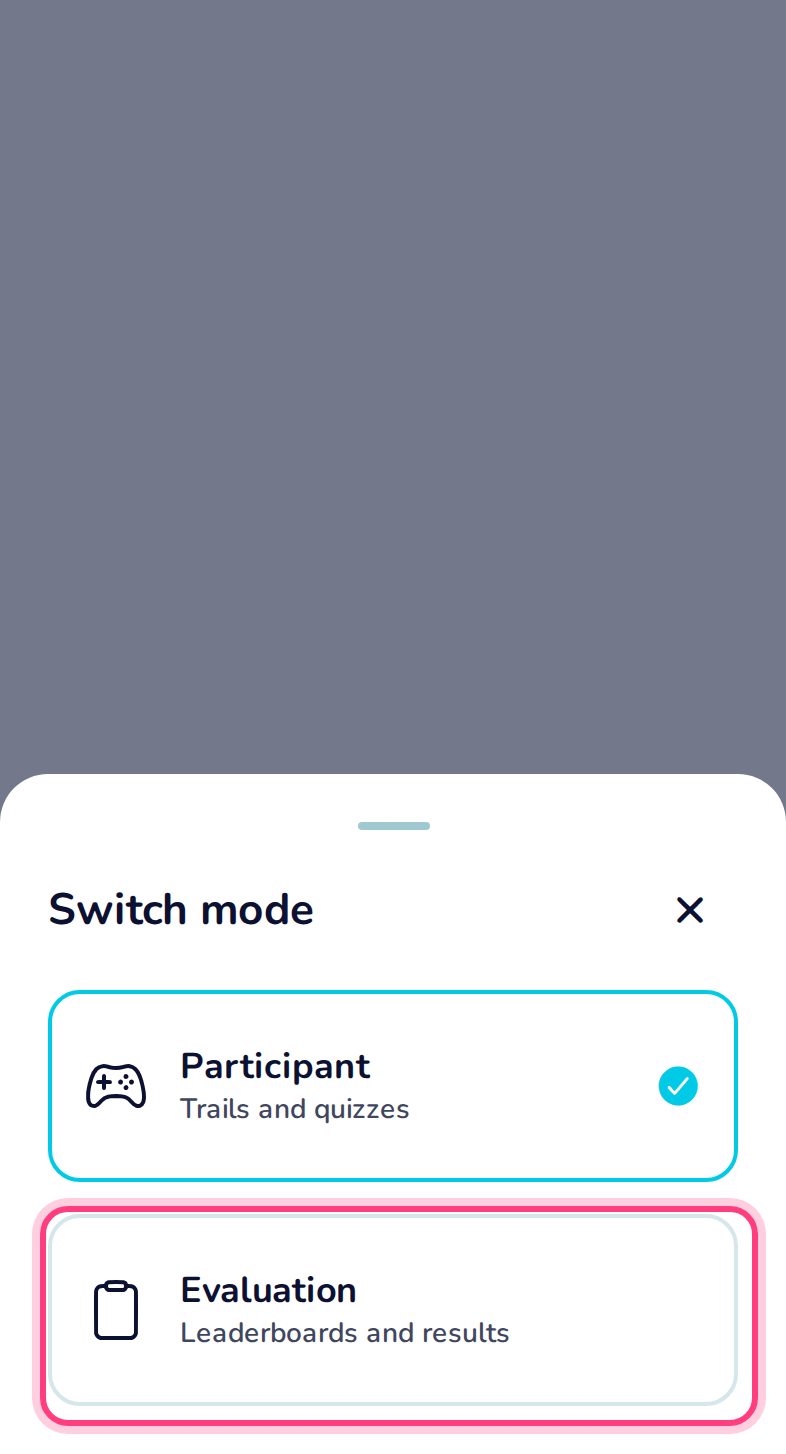
Switch between playing and evaluating
The ⇄ button on the home screen switches the modes.
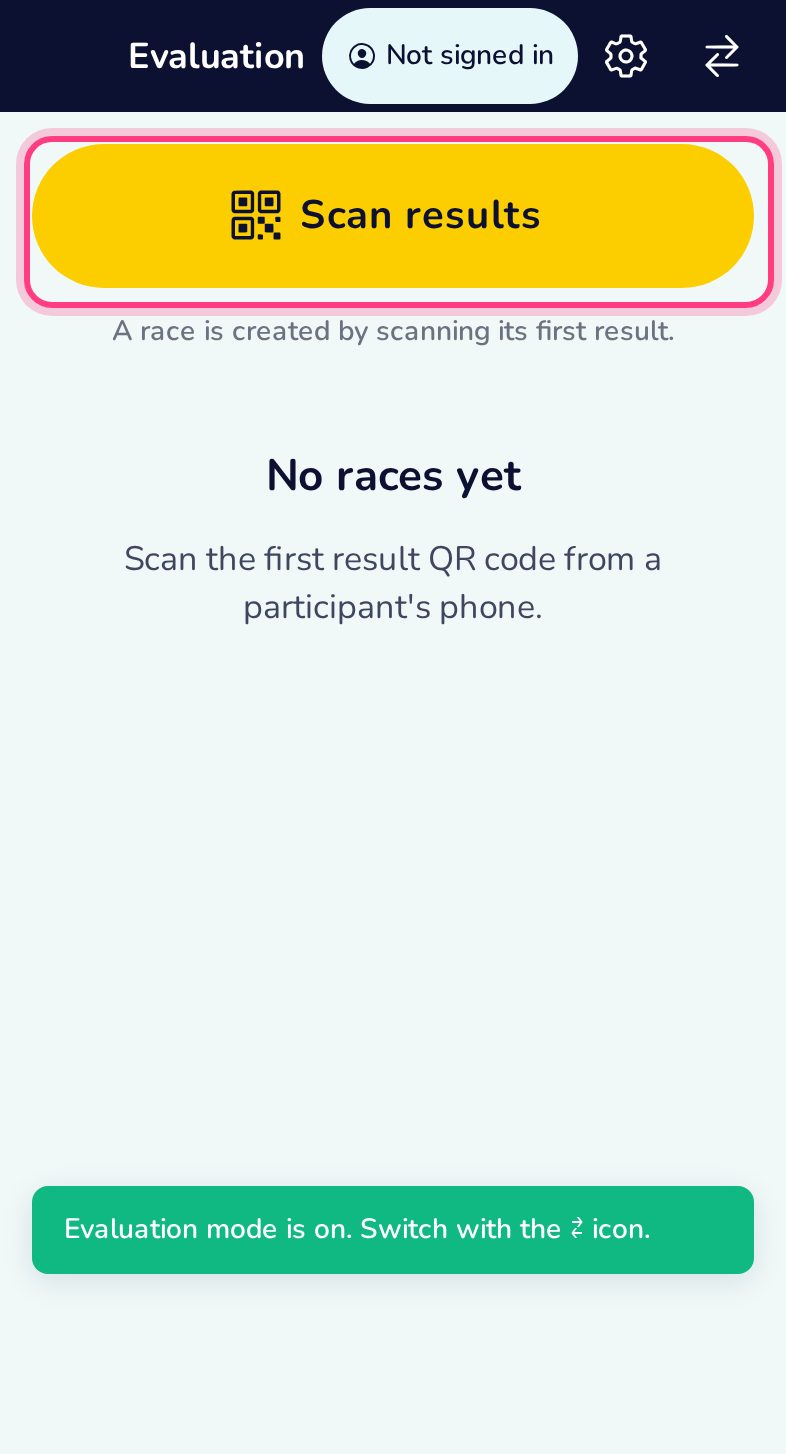
Evaluation home
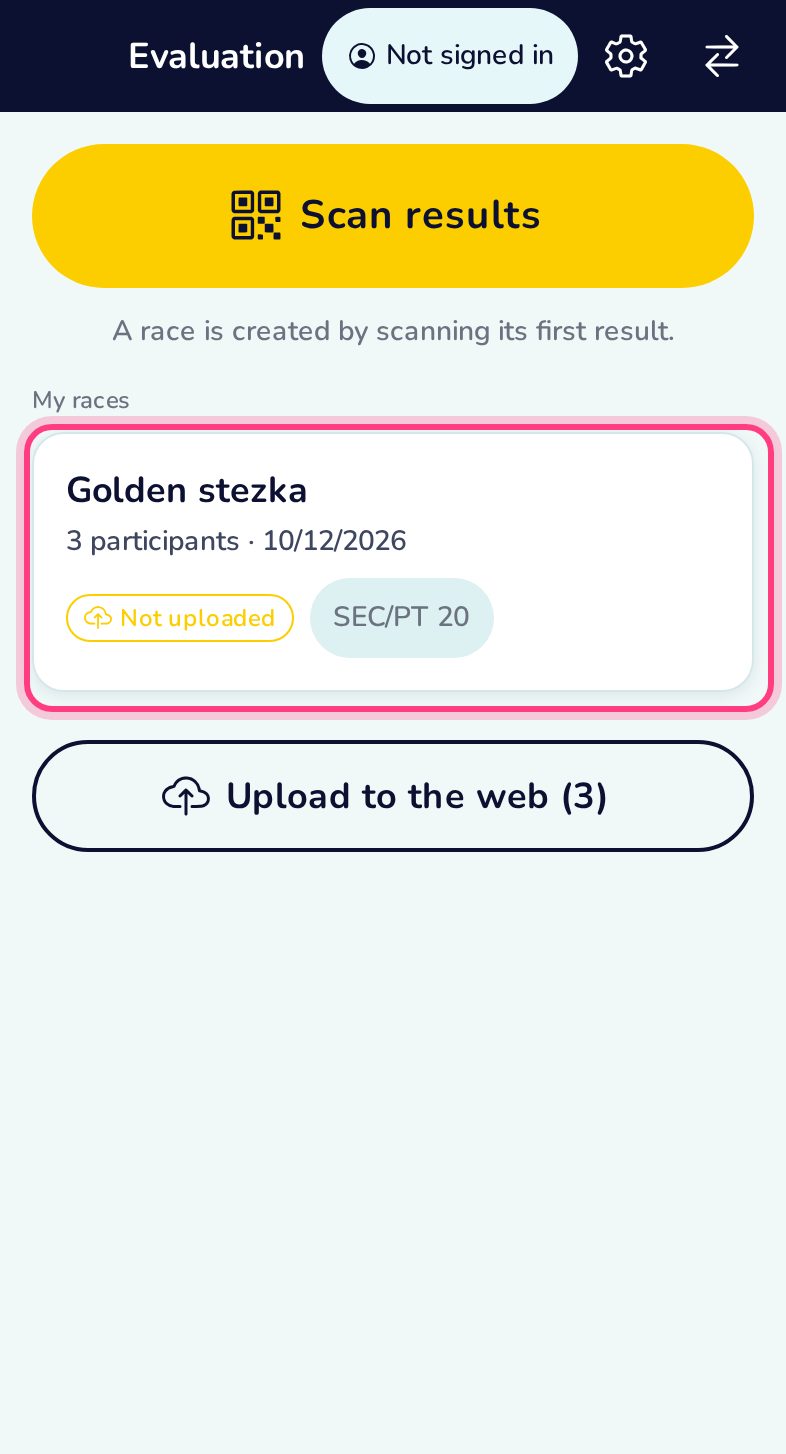
Here you scan results, see the evaluations and upload them to qrun.fun.
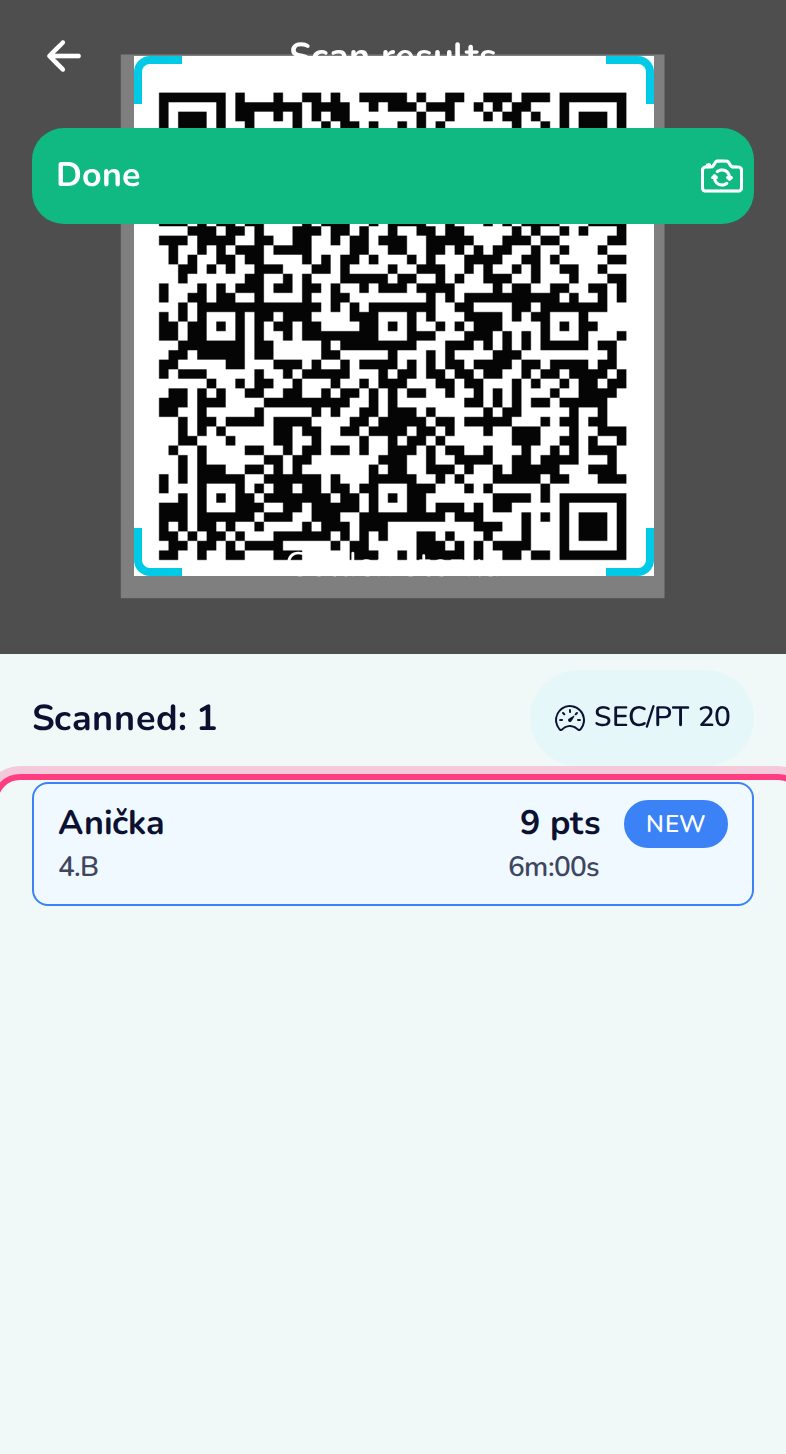
Scan the result QR codes
Each player shows their result QR; the scanner adds them one after another and lists who is in.
One evaluation per trail
Results are grouped by trail. Tap one to see the leaderboard.
The leaderboard
Ranked by score: points plus a time bonus — seconds per point set the exchange rate between points and time.