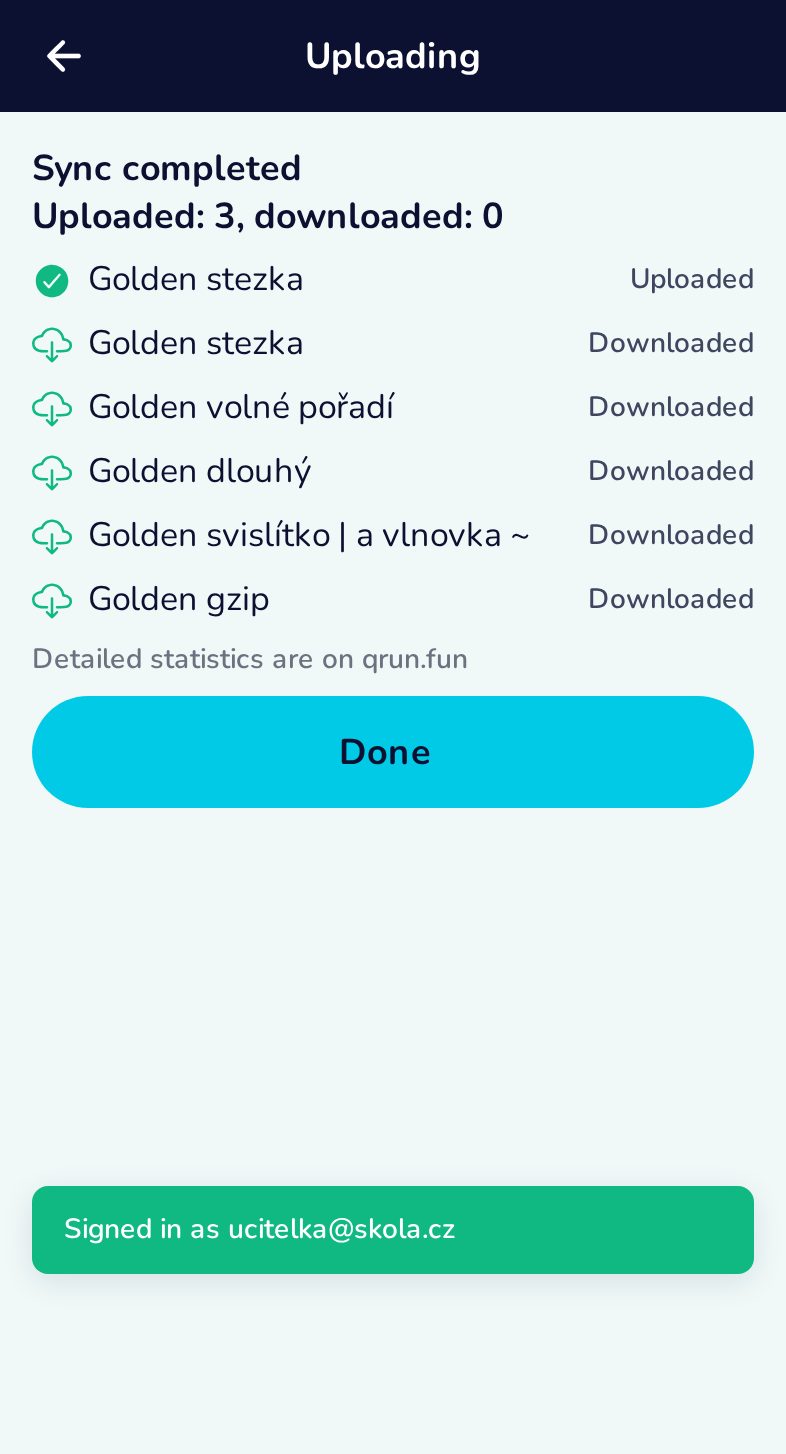
Sign in and upload results to qrun.fun
Evaluating works offline. To publish the results on qrun.fun, sign in once — the quickest way is scanning the login QR from the website’s user menu — and upload.
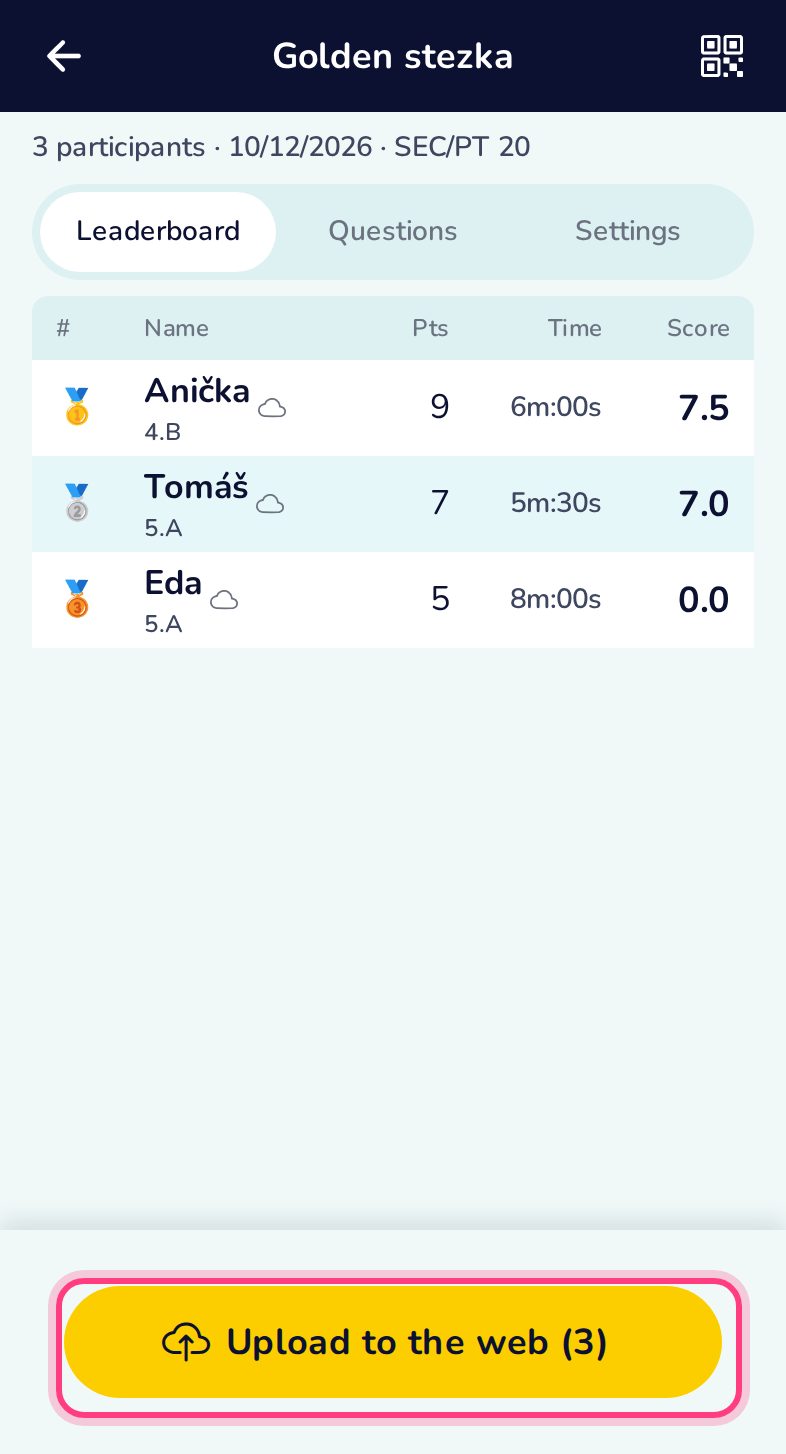
Upload from the leaderboard
The button counts the results not yet on the web.
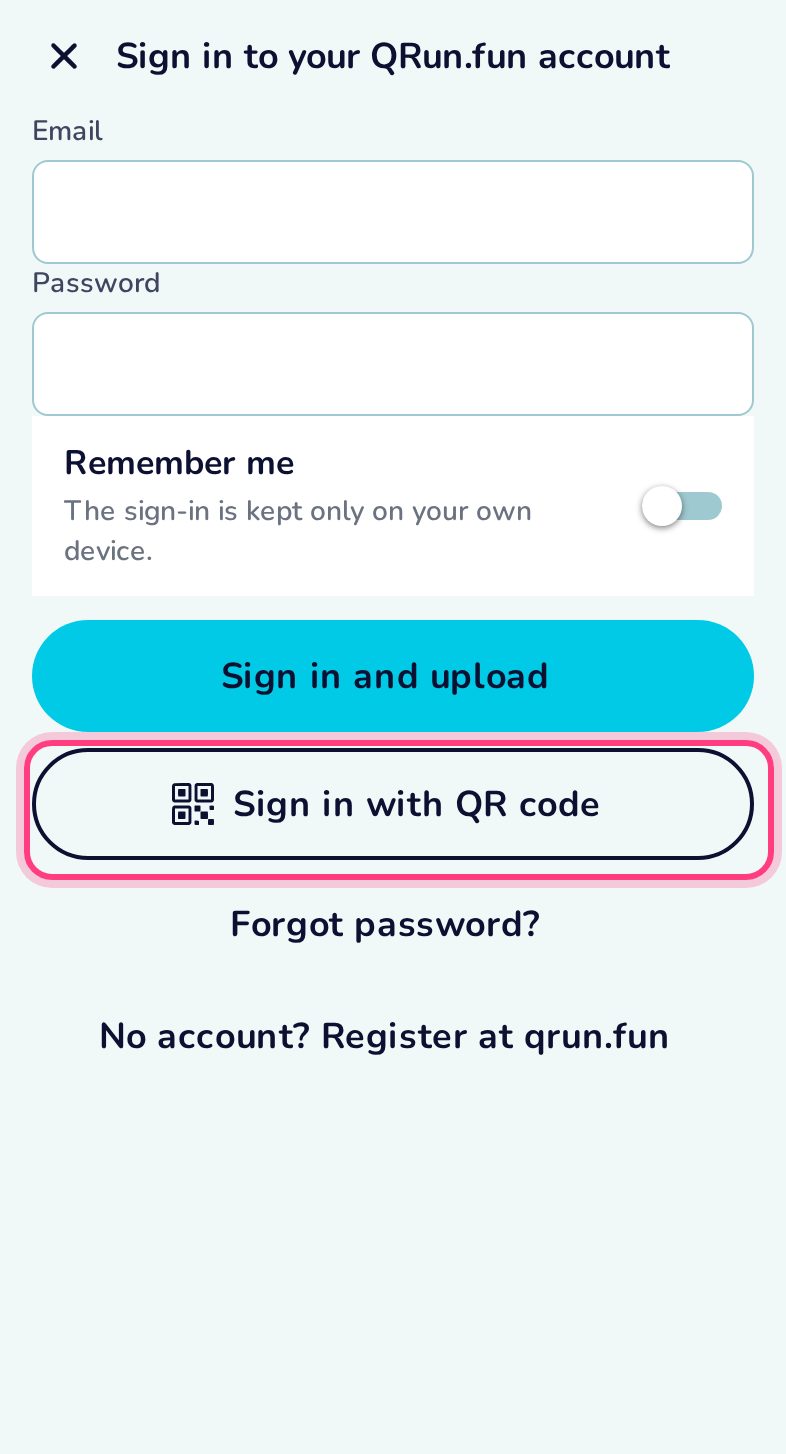
Sign in: e-mail and password, or a QR code
Uploading needs your qrun.fun organiser account (the one that owns the trail). Type your login, or tap Sign in with QR code and scan the code from the website (user menu → “Spustit QRun.guru”).
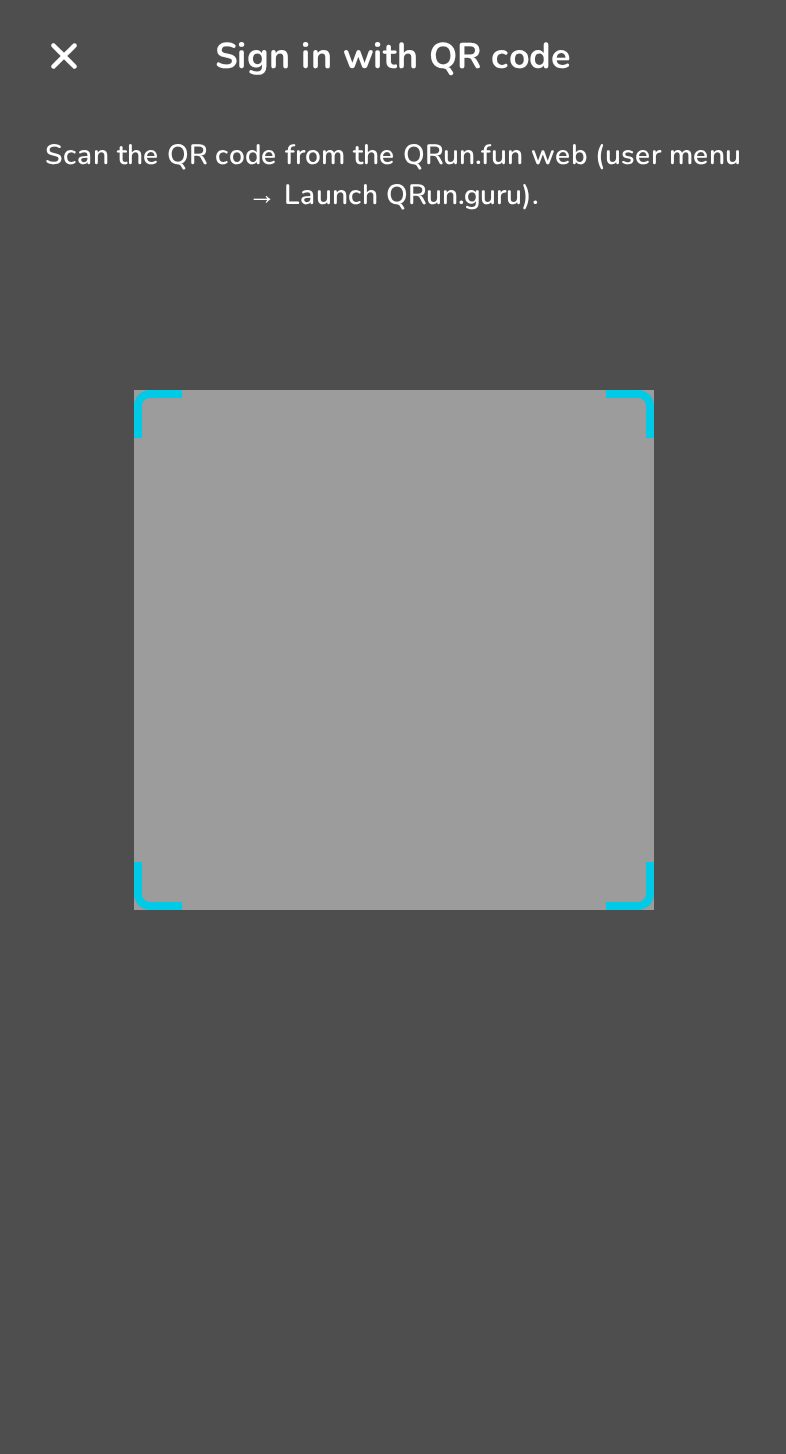
Scan the login QR
The code is valid for 5 minutes and signs this phone in without typing.
Uploaded
The results are on qrun.fun. Uploading again is safe — duplicates are recognised.