One tablet, many players
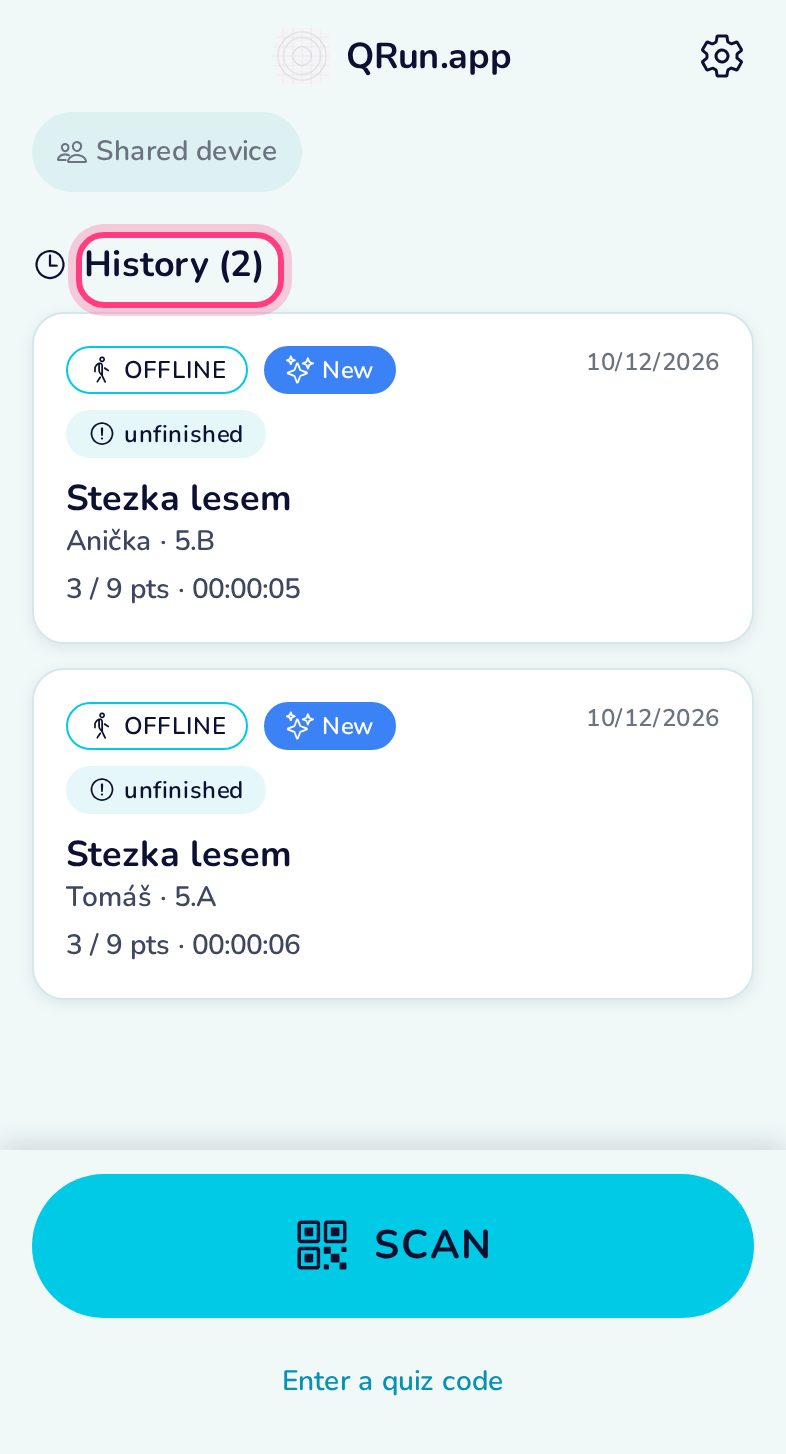
On a shared device (a class tablet) the app asks who is playing at every START, and keeps everybody’s results apart in the history.
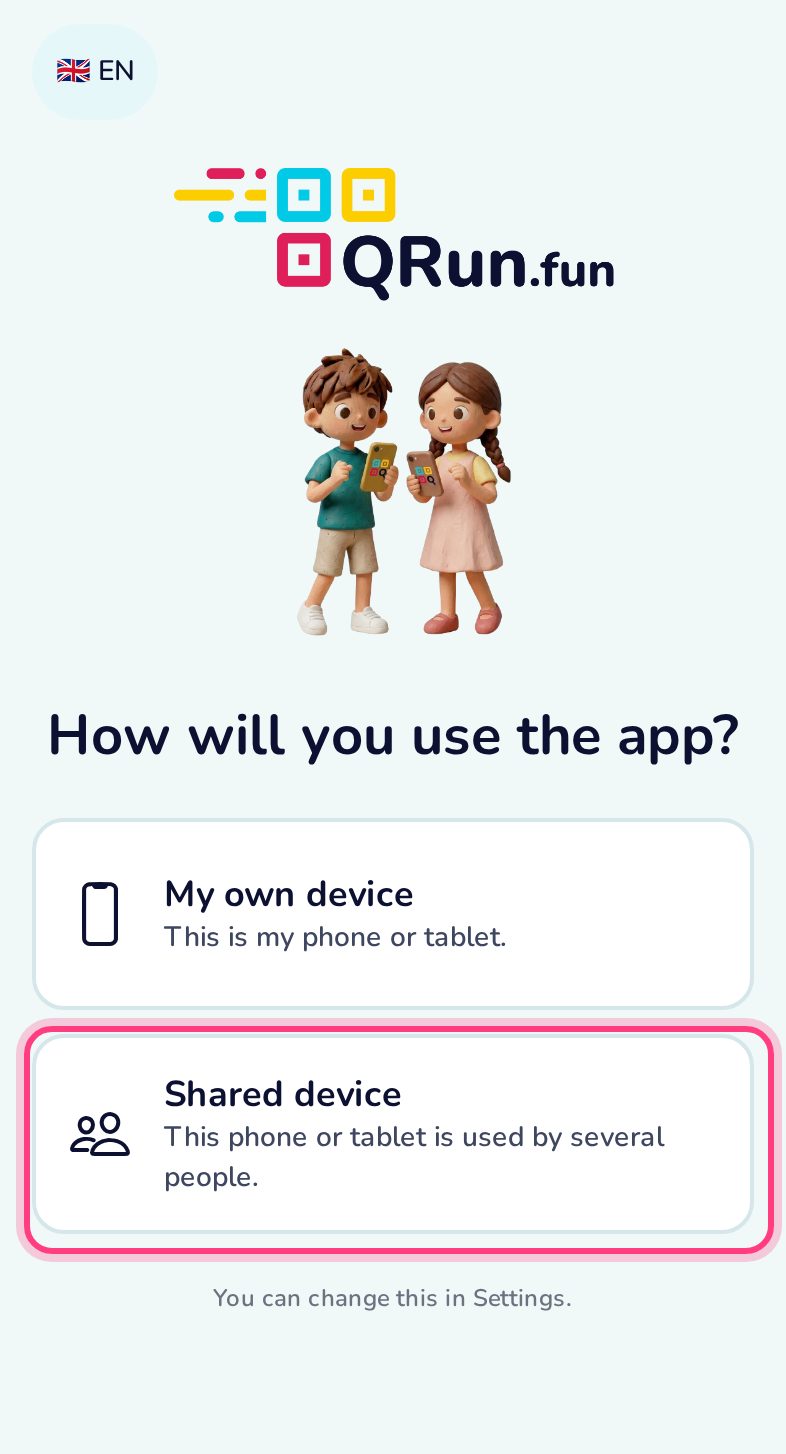
Choose “Shared device”
On the first start pick Shared device. (Later: Settings → Device mode.)
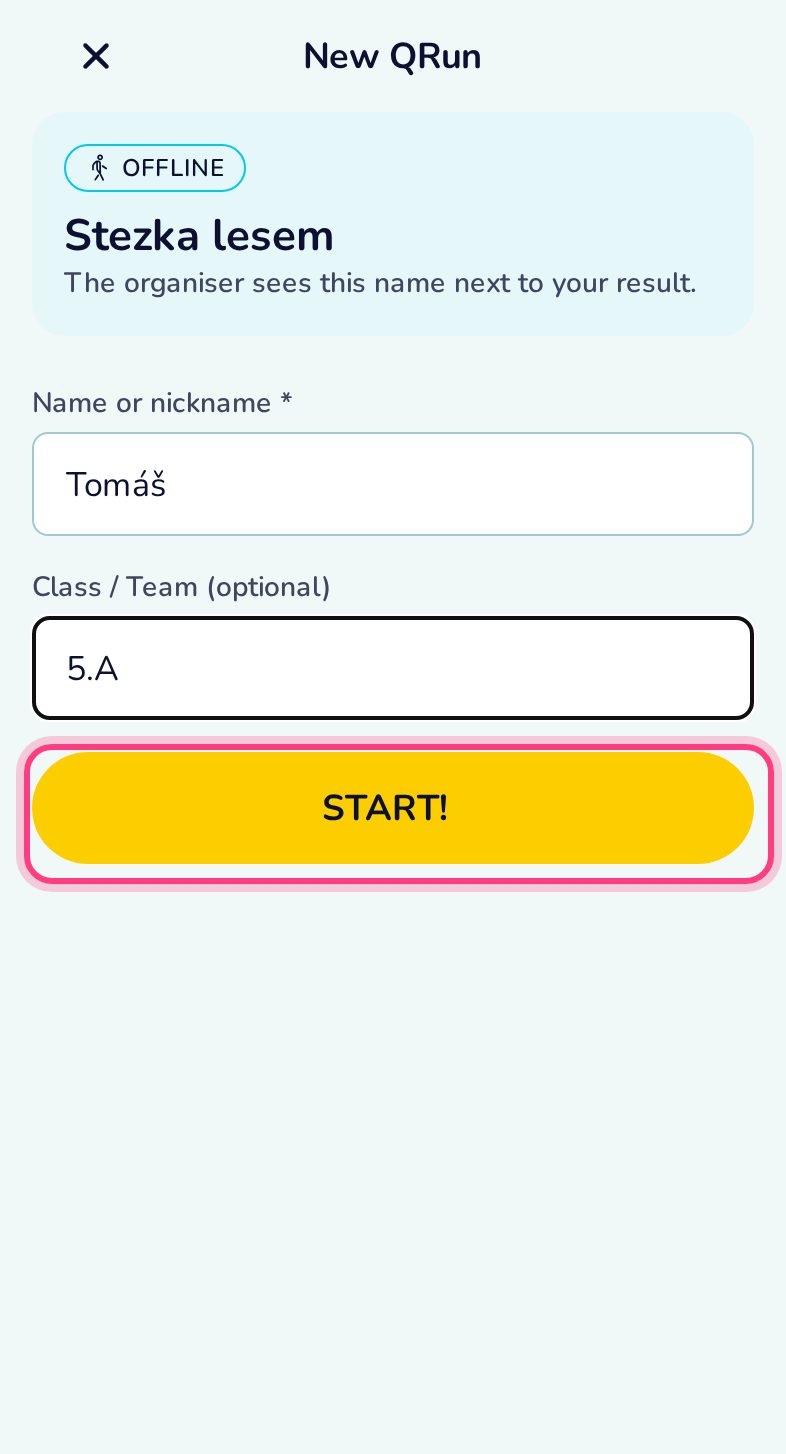
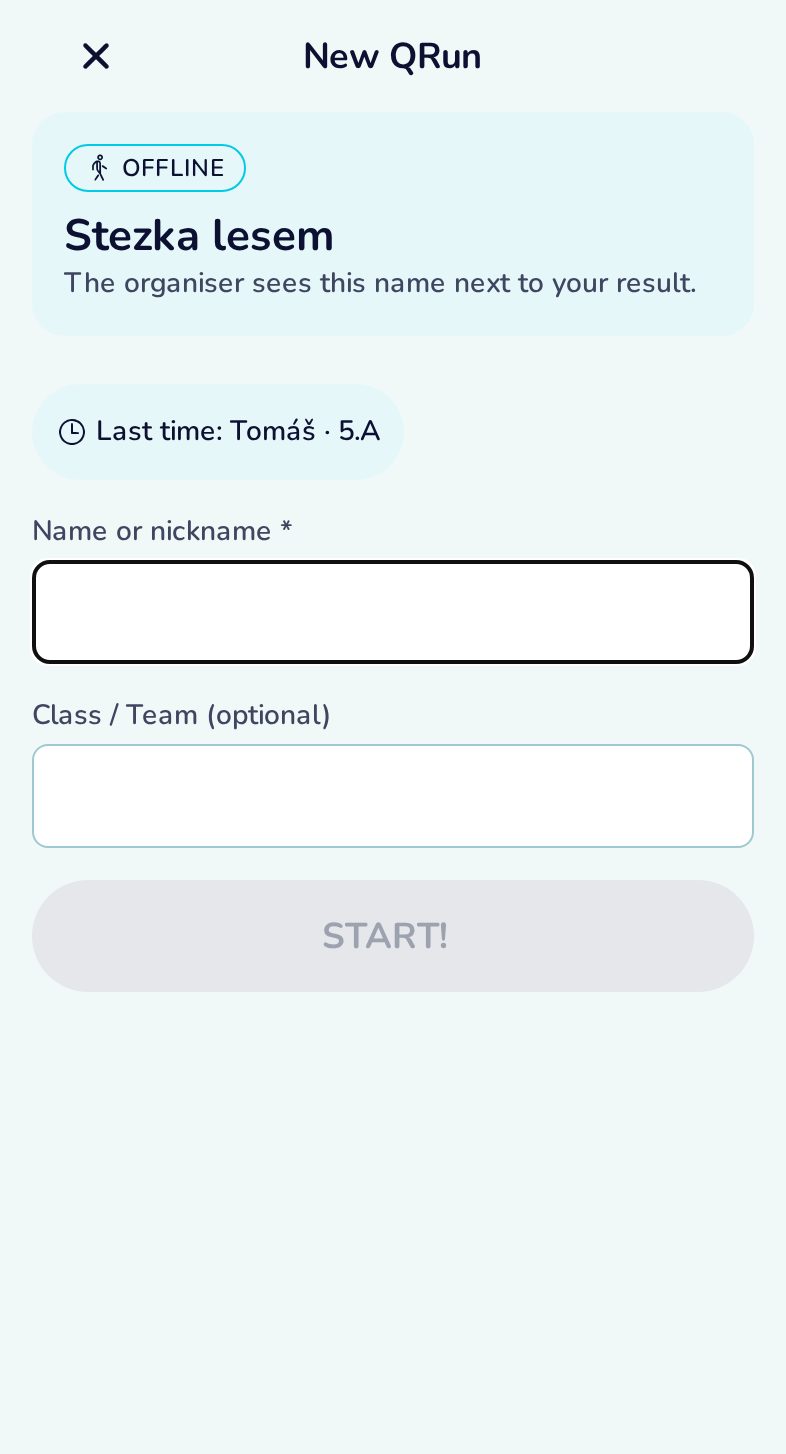
Who is playing?
After the START code the app asks for the player’s name and class. The clock starts when the player taps START!
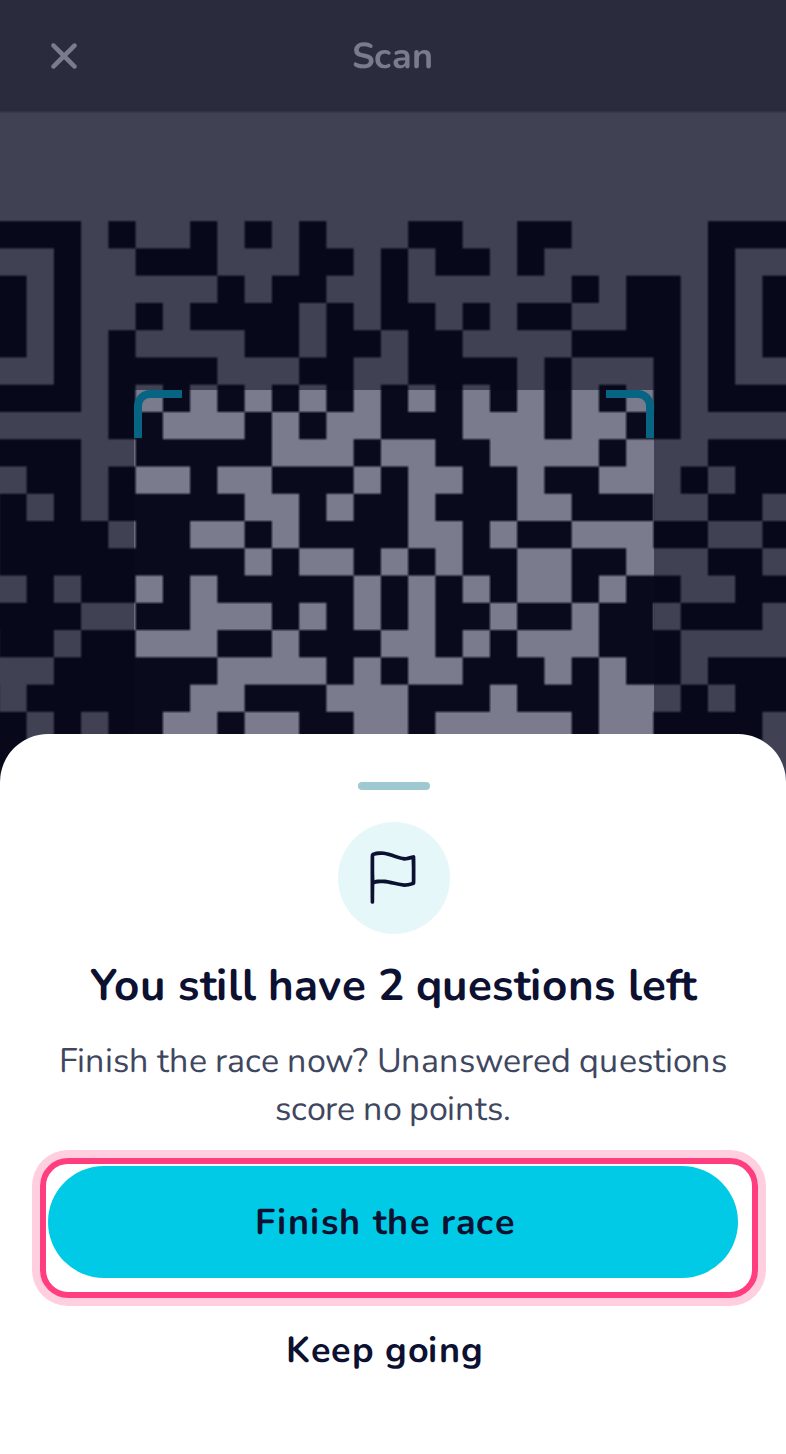
Finishing early
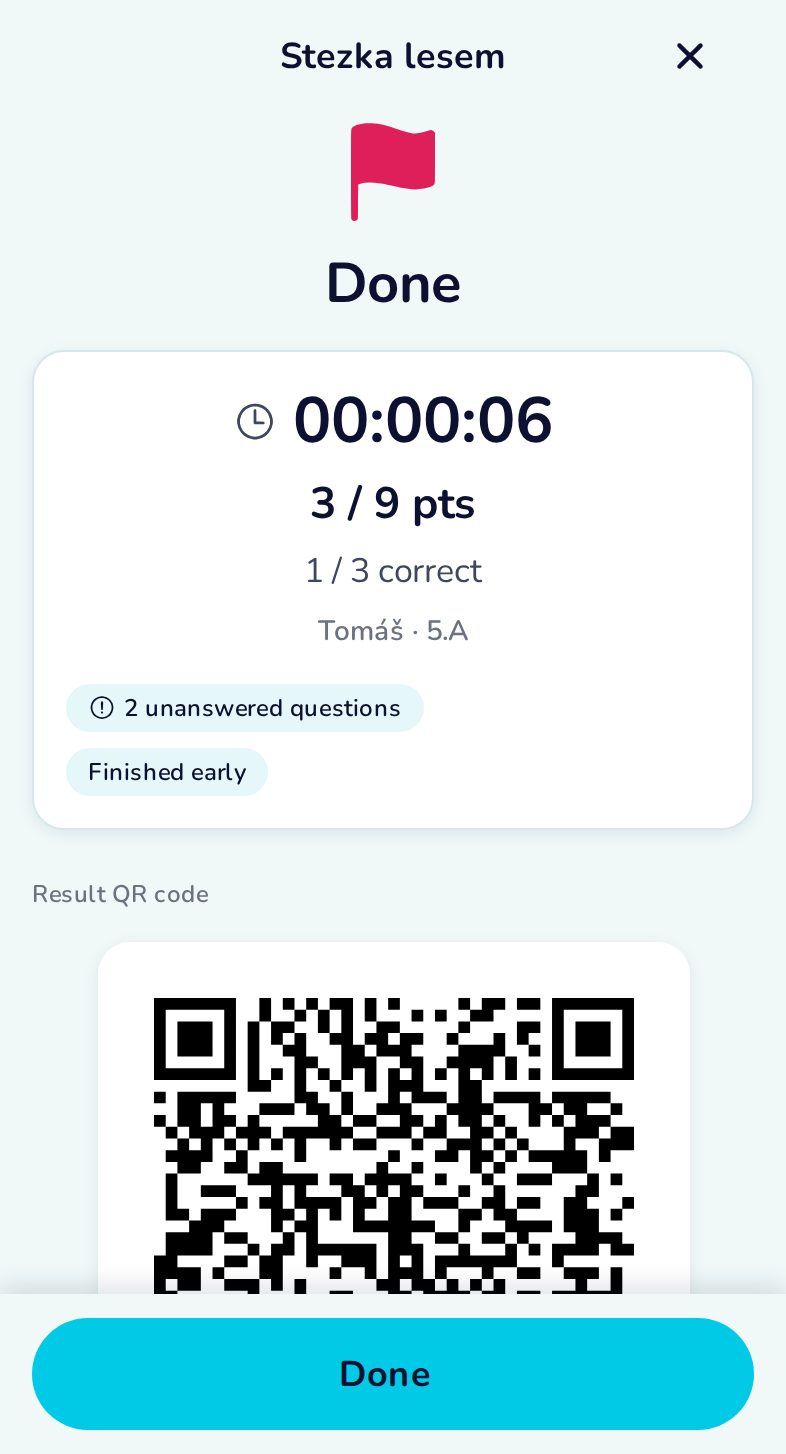
Scanning the FINISH before all stations is allowed, but the app asks first — unanswered stations score 0.
Result with the player’s name
The result QR code carries the name and class typed at the START.
The next player
Every START asks again, so each result belongs to the right player.
Everybody’s results
The history shows each result with the player’s name. Tap one to show its result QR again.